How to Repurpose Content for Newsletter Growth

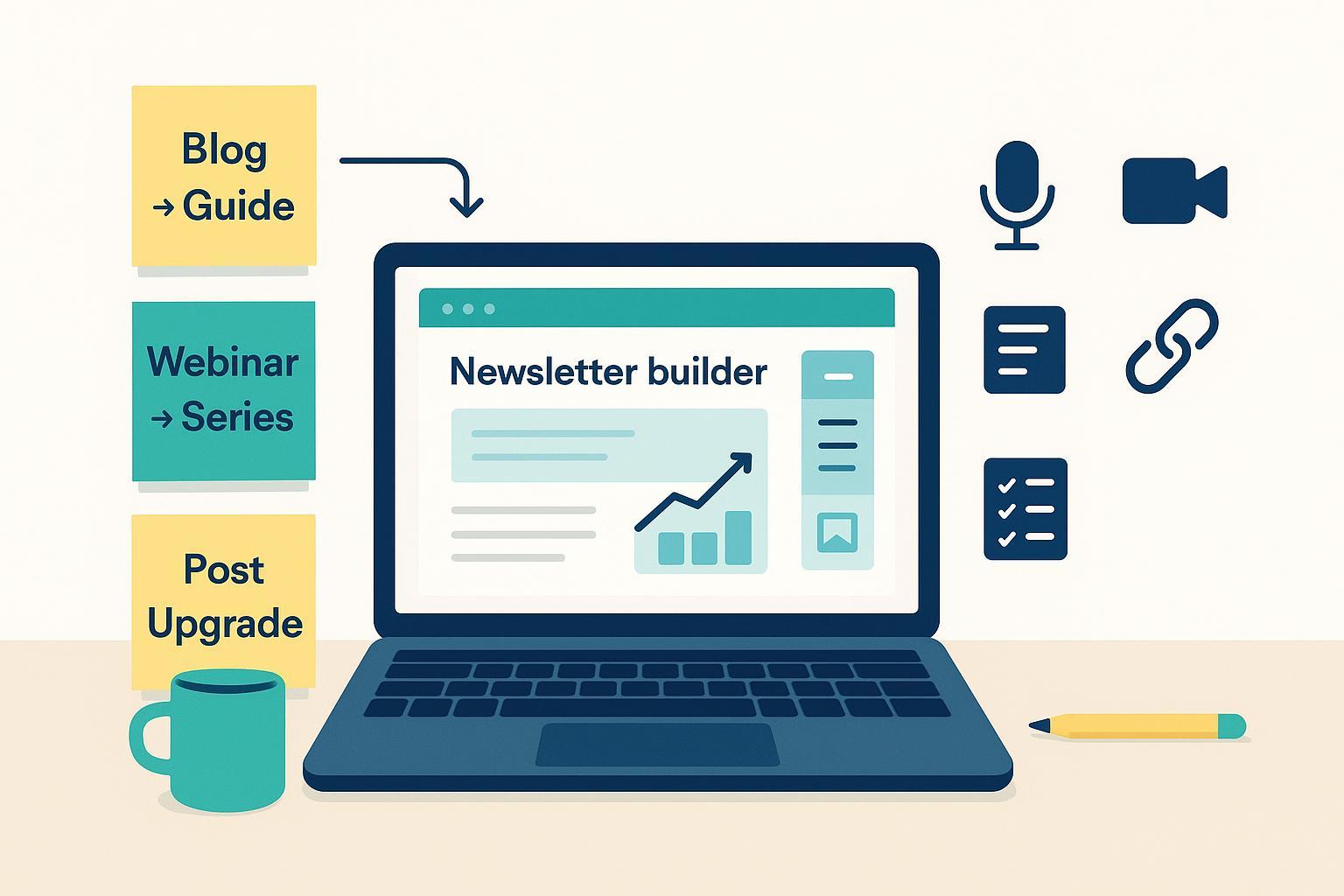
You’re likely sitting on months—maybe years—of content that still has list‑building power. The trick isn’t “posting it everywhere.” It’s packaging what you already have into offers, email sequences, and placements that convert readers into subscribers and keep them engaged.
This guide walks you through a simple workflow to find the right source material, turn it into newsletter-ready assets, place opt‑ins where they’ll be seen, and measure uplift against your baseline. No guesswork, no fluff—just practical steps you can run this week.
Start with a 30‑minute content inventory (and scorecard)
Pull the last 6–18 months of evergreen assets: URLs, topics, last updated date, organic traffic, on‑page engagement (time on page, comments), existing opt‑in rate if you have it, and how hard it would be to refresh. Give each item a quick 1–5 score for:
- Evergreen strength (will it age well?)
- Historical performance (traffic/engagement)
- Update effort (lower is better)
- Intent clarity (is it solving a concrete problem?)
Pick 3–5 high‑scoring candidates. Refresh factual bits and screenshots first so you’re amplifying something current. For broad evidence and tactic menus to validate your short list, see the operator‑focused breakdown in the 2025 overview from Siege Media’s content repurposing guide.
Match each asset to an offer your reader actually wants
Offer-to-intent match is where conversion lifts happen. A generic “Get our newsletter” CTA on a detailed “how to price your service” post underperforms a contextual upgrade like “Download the pricing calculator used in this tutorial.” Think of upgrades as small, immediate wins tied to the exact task on the page: checklists, worksheets, templates, cheat sheets, or a short companion video.
If the source asset is more strategic, bundle 3–5 related posts into a compact guide or toolkit. Make it actionable and skimmable. Put a “next step” CTA inside the asset itself so the new subscriber knows where to go next.
Four high‑ROI repurposing plays for list growth
These plays consistently turn existing content into subscriber growth without spinning up net‑new ideas. Choose one or two to start.
Play A: Blog bundle → downloadable guide/checklist (lead magnet)
Combine 3–5 posts covering the same problem into a single PDF or Notion doc. Tighten intros, remove repetition, and add a one‑page checklist up front. Gate the download with a clear, benefit‑led opt‑in (“Get the 10‑step checklist”). Deliver instantly, then kick off a short onboarding series that highlights one tip per email and links back to the full guide.
Play B: Webinar/podcast → 5–7‑part onboarding email series
Transcribe the session, extract 5–7 insights, and turn each into a short email. Link to the full replay in email #1. Keep messages focused—one lesson, one CTA. This approach is well‑documented across event platforms; Livestorm’s 2025 playbook outlines how long‑form sessions map neatly into multi‑email sequences in their guide to repurposing events and videos.
Play C: In‑post content upgrades on high‑intent posts
If a post already attracts qualified traffic, add a tightly matched upgrade: the worksheet used in the tutorial, a spreadsheet template, or the expanded checklist. Place the opt‑in inline right after the relevant section and again at the end of the post. Deliver the asset instantly and follow with 2–3 short emails addressing common hurdles that block results.
Play D: Newsletter ↔ social loop and themed roundups
Pull 3–5 snackable insights from each newsletter issue and publish them as a LinkedIn carousel, X thread, or short video—with a clear path back to subscribe. Beehiiv’s practitioner examples show how this loop reliably brings net‑new subscribers when you post consistently and point to your archive or subscribe page; see their newsletter-to-social repurposing overview.
You can also curate a themed roundup in your newsletter—“All our pricing content in one place”—to re‑expose durable assets. After you have 5–10 related issues, update and bundle them into a gated eBook.
| Play | Output | Where it converts | Impact/Effort (est.) |
|---|---|---|---|
| A. Blog bundle → guide/checklist | Actionable PDF/Notion doc + 3‑email mini‑series | Landing page + inline/end‑of‑post CTAs | High/Medium |
| B. Webinar/podcast → series | 5–7 short emails + replay link | Autoresponder for new signups | Medium/Low |
| C. In‑post upgrade | Template/worksheet/checklist | Inline within the relevant section + end‑of‑post | High/Low |
| D. Newsletter ↔ social loop | Carousel/thread/snippets + subscribe CTA | Social posts → subscribe page/archive | Medium/Low |
Opt‑in placement and form UX that converts (with current data)
Form placement is context‑sensitive, so start with a baseline and test from there. Large cross‑industry datasets suggest directional patterns: exit‑intent popups average around 4% conversion, slide‑ins/flyouts between roughly 2–3%, while embedded inline forms often sit below 1%—but high‑intent pages can outperform these ranges. Omnisend’s 2025 analysis of signup forms provides useful starting points; see the Omnisend benchmark report on best‑converting forms.
Copy and UX matter as much as placement. Be explicit about the value (“Get the calculator”) and set expectations (what they’ll receive and how often). Minimize fields to email‑only or email + first name. On mobile, keep tap targets large, avoid crowded layouts, and ensure the close action is clear for modals. If you operate in or sell to consent‑heavy regions, enable double opt‑in to keep list quality high.
Distribution checklist (without spamming)
- Add in‑post CTAs where context is strongest, and a lighter end‑of‑post CTA for skimmers.
- Link to your subscribe page or lead magnet from YouTube descriptions, podcast show notes, and pinned comments.
- Post 2–3 social snippets across the week after a newsletter send; each should stand alone but point to the same subscribe destination with UTM‑tagged links.
- If you run a community or Slack group, pin the current lead magnet and refresh it monthly.
Keep cadence sensible: a few high‑quality posts per week that build on the newsletter’s theme outperform scattered one‑offs.
Measure uplift, not myths
Don’t chase someone else’s “average rate.” Instead, benchmark your own performance and improve it. Add UTM parameters to every link pointing to an opt‑in or subscribe page (utm_source, utm_medium, utm_campaign, and optionally utm_content). Fire a GA4 event (e.g., signup_newsletter) on successful form submission and mark it as a conversion. For a clear walkthrough of event tracking setup, the GA practitioner community’s tutorials are excellent—see the 2025 how‑to from Analytics Mania on tracking key events with GA4.
In your email platform, capture acquisition source on signup via a hidden field or API and store it as a profile property. Then compare cohorts by source: open rate, click rate, unsubscribe rate, and series completion. Watch for uplift after you ship a repurposed asset. If exit‑intent popups drive signups but poor engagement, shift focus to contextual upgrades on high‑intent posts and tune messaging.
Guardrails: compliance, deliverability, and accessibility
Your list growth should be durable, permissioned, and inclusive.
Compliance basics. In the U.S., CAN‑SPAM is an opt‑out regime: include accurate sender info, a physical mailing address, non‑deceptive subject lines, and a clear unsubscribe mechanism; process opt‑outs promptly. The FTC’s official CAN‑SPAM compliance guidance summarizes these requirements. In the EU/UK, GDPR/PECR generally requires prior consent for most B2C email marketing; avoid pre‑ticked boxes and keep records of consent. When in doubt, run the stricter model.
Deliverability hygiene. Authenticate your domain (SPF, DKIM, DMARC), keep spam complaint rates low, honor one‑click unsubscribe, and remove chronically inactive contacts. Gmail and Yahoo tightened enforcement in 2024; Yahoo’s sender hub outlines best practices on authentication, complaint thresholds, and one‑click unsubscribe—see Yahoo’s Sender Best Practices.
Accessibility. Forms and assets should meet WCAG 2.2: programmatic labels, keyboard operability, visible focus, and adequate color contrast. Provide captions and transcripts for audio/video and ensure PDFs are tagged with a logical reading order. The W3C’s WCAG 2.2 standard lists the relevant success criteria to check.
Scale with AI—safely
AI can accelerate transcription, summarization, outline‑to‑draft conversion, and social snippet generation. Treat outputs as drafts. Keep brand voice consistent with a style guide, verify facts, and ensure you have rights to the original content. For a practical overview of common repurposing workflows AI can speed up—without overpromising—look to operator‑grade rundowns like Typeface’s 2024 five ways to repurpose content with AI and adapt them to your process.
Troubleshooting quick fixes
- Low opt‑in rate on a high‑traffic post? Improve the offer‑to‑intent match, move the inline CTA closer to the relevant section, test a slide‑in, and tighten headline/CTA copy.
- High unsubscribes in the new series? Reset expectations on the opt‑in form, shorten emails to one topic, adjust cadence, and segment by role/experience.
- Measurement gaps? Fire the event on server‑side confirmation or the thank‑you view, pass UTM parameters into your ESP source field, and validate attribution in both GA4 and your ESP.
- Deliverability dip? Check authentication, prune unengaged contacts, and ensure easy one‑click unsubscribe.
Ship a micro‑experiment this week
Pick one asset, one offer, and one placement. Example: turn your best tutorial into a one‑page checklist, add an inline upgrade right below the step‑by‑step section, and run a 14‑day test with a simple 3‑email follow‑up. Track signups and engagement by source. If it beats your baseline, scale the play to two more assets next month.