How to Repurpose Content Across Platforms

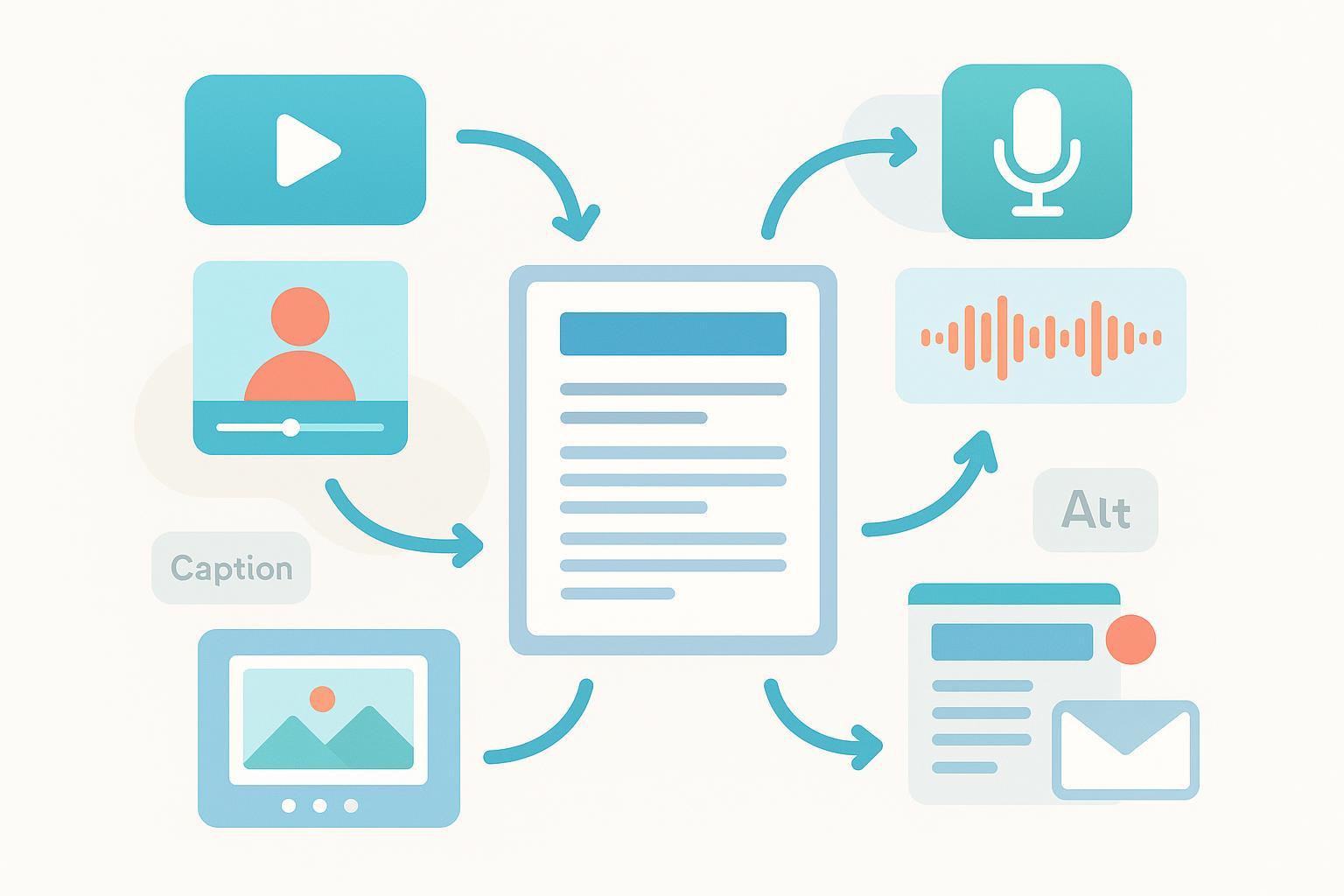
Publishing more without making more sounds like a trick. It isn’t. Content repurposing is the discipline of planning once and distributing many times—adapting your ideas into platform‑native formats that feel built for where they show up. This guide gives you a repeatable system, practical playbooks, and the checks that keep you safe on SEO, accessibility, and analytics.
Build a repeatable system (COPE)
Create Once, Publish Everywhere works best when you design for repurposing at ideation. Identify “anchor” assets before production—pillar blogs, webinars, research reports, podcasts—and outline the derivatives you’ll need. Assign clear owners: one person curates anchor assets, another edits for accuracy and voice, a designer manages templates, a video editor cuts clips, a publisher handles QA and scheduling, and an analyst tags links and reports performance. Standardize file naming and version control so captions, graphics, and audio stems don’t get lost.
Batch work to reduce context switching. Keep a lightweight inventory that tracks the asset name, topic, audience, publish date, last refresh, and top outcomes. Prioritize evergreen and historically top‑performing content, then update time‑sensitive pieces before you repurpose them.
The 5‑step repurposing workflow
- Audit and select: Inventory anchor assets, confirm they’re current, and choose pieces with proven resonance or long‑tail value.
- Atomize: Plan a one‑to‑many map per anchor (clips, carousels, threads, emails). Draft hooks, slide outlines, and cut points.
- Adapt for each platform: Adjust voice, aspect ratio, pacing, and CTA so the piece feels native to its channel.
- QA and publish: Check specs, captions/transcripts, contrast, alt text, canonicals, and UTMs. Schedule in batches.
- Measure and iterate: Review channel‑specific KPIs weekly; double down on formats and hooks that perform.
Time benchmarks (adjust to your team): asset extraction and outline 1–2 hours; 3–4 graphics 3–4 hours; 2–3 short clips 3–4 hours including captions; 10 social posts 2–3 hours; email recap 2–3 hours; scheduling 1–2 hours. Small teams can move fast if they protect this cadence.
Anchor asset playbooks (with examples)
A 3,000‑word blog can become a 45–60 second vertical clip that tees up the core insight, a 6–8 slide carousel that teaches the framework step‑by‑step, a handful of social posts that quote sharp lines, and a concise newsletter that summarizes the “why” with a link to the original. A 45–60 minute webinar can yield a recap blog, five to ten short clips, one or two carousels, an email series, and a slide PDF as a downloadable resource. A 30–60 minute podcast can become a transcript, one narrative blog, three to five quote graphics, several short clips, and a LinkedIn post or X thread that distills the argument.
When you atomize, write the hooks first. For video, the first two seconds matter: open with the payoff, a counter‑intuitive stat, or a bold claim the clip will prove. For carousels, make slide one a promise, not a title. For email, keep the subject line focused on the benefit, then recap briefly and send readers to the deep dive.
Platform‑specific adaptation essentials (verify caps before you publish)
Short‑form vertical video is your default for discovery. Use 9:16 and export at 1080×1920. Add burned‑in captions because many viewers watch on mute, and keep edits tight so there’s no dead air. Exact duration and file caps change often; confirm the latest rules in each platform’s help center. As examples, review YouTube’s current guidance in Upload Shorts Help, where eligibility and duration rules evolve over time, and Instagram’s Reels documentation for baseline behavior on reels creation and sharing. See the official references in the links below.
LinkedIn rewards clarity and depth. Carousels (image or PDF) work when each slide teaches one thing. Keep text large enough to read on mobile and maintain visual contrast. Video on LinkedIn supports multiple aspect ratios; choose 1:1, 4:5, or 9:16 based on the story. Keep your tone professional but conversational—think helpful colleague, not corporate memo.
On X, threads and quick takes are native. Don’t paste a paragraph from your blog; compress the idea to one crisp line, then build a short thread that adds proof or examples. Instagram Reels and TikTok favor hook‑first videos and clear visual metaphors; plan b‑roll or screen recordings to illustrate the point fast. YouTube is where evergreen explanations live: consider a longer tutorial plus Shorts that tee up the main idea and point to the full video.
Email is the bridge back to owned depth. Use one clear purpose per send: a recap of the repurposed theme, a curated set of clips with one ask, or a “behind the build” note that tells readers how you approached the topic. Keep CTAs unambiguous.
For specs, treat official help pages as your source of truth and double‑check in the uploader right before you publish. Platform limits change.
- YouTube’s Shorts documentation outlines current duration and eligibility rules in the Upload Shorts Help page: consult the latest guidance in the official resource at YouTube Help – Upload Shorts.
- Instagram describes how Reels work in its help center: see Instagram Help – Reels basics for current behavior.
SEO and syndication safety (canonicals, noindex, and value‑add)
Repurposing isn’t a license to copy‑paste everywhere. Google’s SEO Starter Guide explains that duplicate content isn’t a spam‑policy violation by itself, but it can hurt user experience and waste crawl resources; if you don’t specify a canonical, Google may choose one for you. See the guidance on reducing duplicates in the official SEO Starter Guide. When you do have duplicates or near‑duplicates, Google recommends consolidating signals using rel=canonical (HTML head), canonical HTTP headers for non‑HTML files, sitemaps as a weak hint, or redirects when deprecating versions—documented in Consolidate duplicate URLs.
Syndication is trickier. Because third‑party layouts, navigation, and ads often diverge from your original, Google may ignore a partner‑side canonical. In office‑hours guidance, Google notes that if you syndicate your content, it will show the version it thinks best for users, which may not be the one you prefer. That’s why the safer control is contractual: ask partners to apply meta robots noindex on the republished page so your original can remain the version in search. For context on Google’s direction on unoriginal content and quality, see the March 2024 update on reducing unhelpful content in the official post, Google Search update (March 2024).
Add a self‑referencing canonical on your original page and publish there first. If you also post shortened or updated versions on owned networks (e.g., LinkedIn Articles), include a clear attribution link near the top and offer unique value so each variant stands on its own.
Example snippets you can adapt:
<!-- Self-referencing canonical on your original page -->
<link rel="canonical" href="https://example.com/original-article" />

<!-- Ask syndication partners to add this to the republished page -->
<meta name="robots" content="noindex,follow" />
Accessibility mini‑FAQ (WCAG 2.1/2.2)
Q: Do I need captions on repurposed videos? A: Yes—provide accurate, synchronized captions for prerecorded video. WCAG 2.1 success criterion 1.2.2 covers captions for prerecorded media; the W3C’s understanding doc details what “accurate” means and how to scope exceptions. See the official explanation in W3C WCAG 2.1 – Captions (Prerecorded).
Q: What about images in carousels and emails? A: Provide alt text for meaningful images (WCAG 1.1.1). If an image is purely decorative, use empty alt (alt=""). The W3C’s understanding docs outline when and how to write descriptive alternatives.
Q: How do I keep text readable on graphics and videos? A: Meet minimum contrast ratios: generally 4.5:1 for normal text and 3:1 for large text (WCAG 1.4.3). Don’t rely on color alone to convey meaning. Run a quick contrast check before publishing.
Q: Do embeds need to be keyboard‑operable? A: Yes. All functionality—including media controls—must work via keyboard (WCAG 2.1.1). Ensure focus indicators are visible and controls are reachable.
Bake these checks into QA so accessibility isn’t an afterthought.
Measurement starter pack
Repurposing only pays off if you can attribute outcomes. Use a consistent UTM schema and keep naming lowercase to avoid fragmenting reports. GA4 recognizes standard traffic‑source parameters (utm_source, utm_medium, utm_campaign, utm_term, utm_content, and optional utm_id). For authoritative definitions, see Google’s official help on traffic‑source dimensions in GA4. Avoid sending personally identifiable information in any parameter—it violates Analytics policies.
Suggested schema and examples:
- utm_source: tiktok | instagram | youtube | linkedin | x | email
- utm_medium: social | video | email | paid-social (for ads)
- utm_campaign: topic-series (e.g., repurposing-series-q1)
- utm_content: variant descriptor (e.g., clip-a-hook-1, carousel-slide3)
- utm_id: unique campaign ID that matches your internal tracker
Channel KPI map (what to watch and where):
| Channel | Primary KPIs to review weekly | Where to measure |
|---|---|---|
| YouTube | Impressions, CTR, avg view duration, retention | YouTube Analytics; GA4 for site conversions |
| TikTok | Views, completion rate, engagement rate, profile link CTR | TikTok Analytics; GA4 for downstream conversions |
| Reach, saves, shares, link clicks | Instagram Insights; GA4 for site actions | |
| Impressions, engagement rate, link CTR, leads | LinkedIn Analytics; GA4 for pipeline attribution | |
| X | Impressions, engagement rate, link CTR | X Analytics; GA4 for site actions |
| Open rate, click rate, revenue or conversions | ESP reporting; GA4 for on‑site outcomes |
Quick validation routine: test links in a private window, confirm UTMs resolve correctly, and watch GA4 Real‑Time to verify the source/medium. Add unwanted referral exclusions for payment providers or subdomains so conversions aren’t misattributed.
Troubleshooting: why repurposed content flops (and fast fixes)
If short‑form video underperforms, re‑cut the first seconds with a stronger visual hook, tighten jump cuts, and add burned‑in captions. Check framing—faces and text should be centered for 9:16—and re‑export at 1080×1920, 30 fps, with consistent loudness.
If uploads fail or look soft, your file may miss current caps or codec guidelines. Re‑export H.264 MP4 with a constant bitrate around 8–12 Mbps for 1080p, then try again. If a carousel is hard to read, enlarge type, simplify each slide to one idea, and fix color contrast.
If SEO performance dips after syndication, inspect the URLs in Search Console to see which page Google treats as canonical. Ensure the origin has a self‑canonical, reduce internal duplicates, and ask partners to add meta robots noindex going forward. Remember that Google treats canonical as a hint and may pick a different URL when pages aren’t close matches—another reason to prioritize value‑add rather than cloning.
If analytics don’t add up, look for missing UTMs on off‑site links, accidental UTMs on internal links, inconsistent case, or self‑referrals. Standardize your schema and test before scheduling.
Put the system in motion
Start small: pick one strong anchor, plan five derivatives, and run the full loop—adapt, QA, publish, measure. Protect batching time, verify platform limits in official docs before you export, and keep your accessibility and analytics checklists close. The payoff is consistency: a sustainable output that compounds reach without burning your team out.
