How to Repurpose Blog Posts Into Reels/Shorts

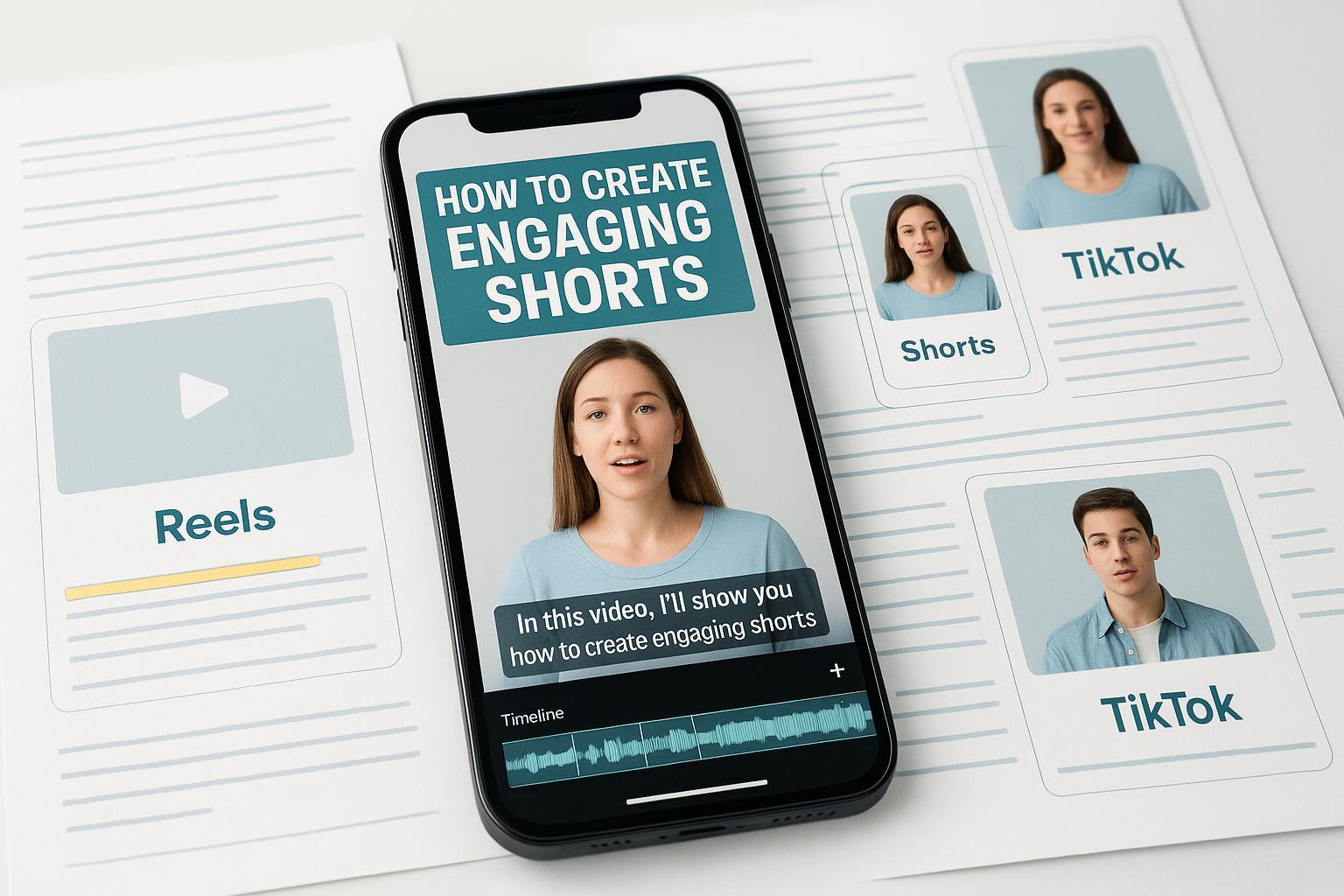
Turning one solid blog post into five to ten short vertical videos isn’t magic—it’s a method. In this guide, you’ll get a repeatable workflow for converting written ideas into Instagram Reels, YouTube Shorts, and TikToks that actually hold attention, including current specs, safe‑zone tips, fast scripting, and what to measure after you hit publish.
1) Pick the right blog material
Not every paragraph wants to be a video. You’re looking for self‑contained bites that stand on their own in 9–60 seconds. Focus on counterintuitive stats, mini frameworks and numbered tips, FAQs and objections, and “do this, not that” moments with quick before/after examples. Scan your post and tag five to ten moments that fit; if your article is long, plan a short series (Part 1/2/3). Think of it like slicing a loaf: each slice should taste complete by itself.
2) Script it fast (hook first, one point per clip)
Your script should be a compact beat sheet, not a full essay. Start with the hook, deliver one core idea, end with a simple CTA. As timing guidance for spoken delivery: roughly 30–40 words ≈ 15 seconds; 60–80 words ≈ 30 seconds; 120–150 words ≈ 60 seconds (typical talking pace). Keep one idea per clip—if you have three ideas, make three Shorts. CTA options include “Follow for Part 2,” “Comment ‘checklist’,” or “Read the full post—link in bio.”
Hook templates you can paste into your draft:
- If you [want X], stop doing [common mistake]. Do this instead.
- You don’t need [myth]. Here’s the 30‑second version that works.
- I tested [A vs. B]. Here’s what I’d do again—and what I’d skip.
- Three signs your [process] is slowing you down—and how to fix each in one step.
Want a quick gut‑check? Ask: would a busy stranger understand the point in the first two seconds, without sound?
3) Plan the visuals (A‑roll, B‑roll, and safe zones)
Pick a primary mode—talking head or voiceover—and add supporting visuals every two to four seconds to keep the eye engaged. For talking head, frame at eye level in soft light and punch in on key beats. For voiceover, record clean audio and layer B‑roll: over‑the‑shoulder screen recordings, quick demonstrations, or simple text cards.
Keep on‑screen text within the central “safe area” so platform UI doesn’t cover it. A practical heuristic is to leave roughly the top ~14% and bottom ~20% free on a 1080 × 1920 canvas; center overlays to avoid the like/comment bars and captions, per reputable industry guidance such as the Sprout Social video specs guide. Treat this as a guardrail rather than an official pixel rule.
4) Technical specs that actually matter in 2025
Export once at a high quality that all three platforms handle well. Then do light platform tweaks at upload.
| Platform | Aspect ratio | Recommended resolution | Suggested duration for discovery |
|---|---|---|---|
| Instagram Reels | 9:16 vertical | 1080 × 1920 | 15–60 s (longer uploads supported, but concise usually wins) |
| YouTube Shorts | 9:16 vertical (square also classifies) | 1080 × 1920 | 15–60 s; Shorts can be up to 3 minutes |
| TikTok | 9:16 vertical | 1080 × 1920 | 9–60 s tends to perform well |
Notes and references:
- Meta frames Reels as full‑screen vertical and recommends centering essentials (Meta for Creators—Reels best practices).
- YouTube classifies Shorts up to three minutes and accepts vertical/square, with standard file formats like MP4/MOV (YouTube Help—three‑minute Shorts and Supported video formats).
Default export: H.264 MP4, 1080 × 1920, 30 fps, target 15–20 Mbps. Avoid re‑encoding across multiple apps to keep the image crisp.
5) Record and edit for retention
Retention is won (or lost) in the first seconds. Open with visual motion and your hook on screen as text. Cut filler words. Keep the rhythm tight with simple jump cuts and B‑roll that matches verbs: when you say “highlight,” show a quick highlight action; when you say “swap,” show the swap.
Add captions. Many viewers watch muted, and captions improve accessibility and comprehension. Instagram supports closed captions on Reels (you can review them before publishing), and YouTube lets you add and edit subtitles in Studio; both are worth the extra minute to fix timing and typos—see Meta Help—closed captions for reels and YouTube Help—add subtitles & captions.
Design readable on‑screen text: high contrast, large enough to read on a small phone, and placed inside safe zones. Keep overlays terse—think headlines, not paragraphs.
6) Audio choices and licensing you won’t regret
Use platform‑native audio libraries or properly licensed tracks. Business accounts on TikTok must pull from the Commercial Music Library; the general music library isn’t cleared for commercial use, per TikTok Ads Help—Commercial Music Library. On YouTube, Shorts that run longer than 60 seconds can’t use licensed music from the Shorts music library—stick to original audio or cleared tracks, as explained in YouTube Help—Music in Shorts. For Reels, Meta emphasizes original audio or licensed options and positions Reels as full‑screen vertical video where centering key content helps (Meta for Creators—Reels best practices).
Practical mix tip: keep music below your voice—set music roughly around −18 to −12 LUFS relative so speech stays intelligible.
7) Publish and cross‑post without breaking context
Covers/thumbnails: Use a few big words, not sentences. Keep the main title mid‑frame so grid crops and platform UI don’t chop it.
Descriptions/captions: One punchy sentence plus one clear CTA and one to three relevant hashtags usually performs better than blocks of text. Hashtags should be specific to the content, not generic catch‑alls.
Cross‑posting: Re‑exporting isn’t necessary if your master file is 1080 × 1920. Adjust safe‑zone placements and captions when uploading to each platform, and pick audio from each platform’s native library to avoid mismatches or licensing flags.
Distribution: Post when your audience is active (check Insights/Analytics). On Instagram, reshare your Reel to Stories with a sticker CTA within the first hour to catch more casual viewers. Reply to early comments and pin a helpful FAQ or summary to set the tone.
8) Measure, test, and iterate
On YouTube, open the video’s Analytics to view retention and key moments; it shows where viewers drop or rewatch (YouTube Help—video analytics overview). Across platforms, focus on the first one to three seconds hold (hook stick), average percentage viewed and completion rate, comments that signal confusion versus value, plus saves, shares, and click‑throughs to the blog or lead magnet.
Run simple tests by changing one variable per new upload—hook phrasing, on‑screen text, or cover line. If a post underperforms, keep the same core idea but re‑shoot with a cleaner hook or faster first five seconds. If a post takes off, recycle the winning hook structure with a new example. On YouTube specifically, you can A/B test titles and thumbnails with Test & Compare; pair that with a steady hook in the video to isolate variables.
Targets to aim for (ballpark, varies by niche): a one‑second hold above ~70% and a three‑second hold above ~60% suggest your opening’s doing its job; 15–30 second clips often see 60–90% completion when pacing is tight and captions are clear.
9) Troubleshooting FAQ
Q: My text gets covered by buttons—what now? A: Keep overlays inside the central safe area. As a practical rule, avoid the top ~14% and bottom ~20% of the frame and preview in each app before posting.
Q: Everything looks blurry when uploaded—why? A: Export a single high‑quality master (1080 × 1920, H.264 MP4, ~15–20 Mbps, 30 fps) and avoid bouncing through multiple apps; every re‑encode adds compression.
Q: Viewers drop in the first three seconds—how do I fix it? A: Start with motion and a benefit‑forward line. Trim any dead air before the first word and put your hook as on‑screen text.
Q: Captions are wrong or mistimed. A: Turn on auto‑captions, then edit them before publishing. Keep line breaks short and readable with strong contrast.
Q: Can I use trending music on a business account? A: On TikTok, use the Commercial Music Library for any commercial activity. On YouTube, remember the >60‑second Shorts music limitation. When in doubt, use original or licensed audio.
A simple 7‑day starter sprint
Day 1: Pick one blog post and highlight five to seven self‑contained ideas. Day 2: Write five mini‑scripts (hook + two to three beats + CTA). Day 3: Build a lightweight shot list and text overlays within safe zones. Day 4: Record A‑roll and quick B‑roll cutaways. Day 5: Edit tight; add captions; export a 1080 × 1920 MP4. Day 6: Publish on your primary platform; adapt caption/cover for the others; choose platform‑native audio. Day 7: Review retention and comments; reshoot one clip with a stronger hook based on what you saw.
One last question before you start: if you only had 30 seconds, which single idea from your blog would help a stranger the most today? That’s your first Short.
