How to Use Digital Signage Templates to Customize and Manage TV Displays (2025 Template-to-TV Guide)

Introduction: What Is Template-to-TV?
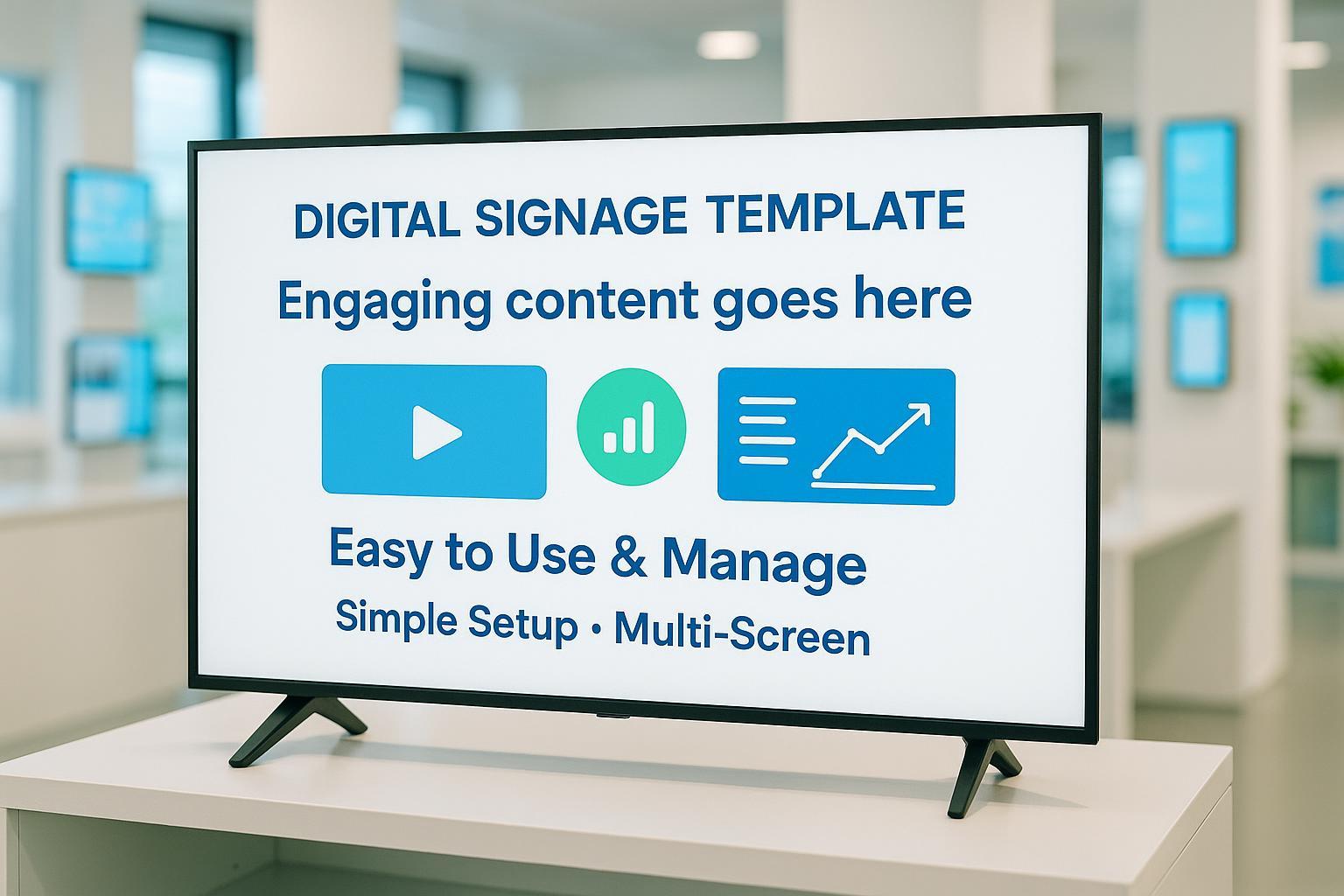
If you’re looking to create professional, customized displays on TVs in your business, school, office, or event space, a “Template-to-TV” workflow makes it simple. This guide walks you step-by-step through using digital signage templates—platform-neutral and up to date for 2025—to get polished visuals on your screens fast. No coding, no vendor lock-in, just actionable advice.
What you’ll achieve:
- Rapid deployment of branded, clear visual content to one or many TVs
- Confidence managing updates, layouts, and troubleshooting
- A sustainable workflow you can scale or delegate
Time Estimate: Single-screen setup typically takes 45–90 minutes for first-timers. Difficulty: Beginner to intermediate; no special technical background needed.
Step 1: Preparation & Checklist — What You’ll Need
Before starting, prepare these items to avoid setup headaches:
Hardware
- Smart TV or signage display (Full HD/4K, 350–500 nits indoor brightness)
- Reliable media player (built-in or external, quad-core CPU, 4GB+ RAM, HDMI 2.0+)
- Power surge protection, clean wires/cables
- Guide: Choosing the Right Hardware (2025)
Network
- Stable wired Ethernet (Cat6+) or strong Wi-Fi (5GHz, QoS enabled)
- Static IP setup for easy management
- Segmented network for security (especially with multiple screens)
Software & CMS
- Digital signage CMS/platform with: remote updates, template support, scheduled playlists
- Compatible player app for your TV or device
- Account access for both device and CMS (central dashboard recommended)
Pro Tip: If you’re setting up multiple screens, invest a few extra minutes to confirm every device’s compatibility and network stability upfront. Most issues later stem from overlooked basics!
Verify:
- Can you access the CMS from your laptop or phone?
- Does your TV/device pass a simple internet speed check (e.g., speedtest.net)?
Step 2: Template Selection — Find the Right Starting Point
Choosing the right template is essential for visuals that fit your audience and hardware.
Where to Find Templates
- HootBoard Free Templates
- Yodeck Free Templates
- Canva, Adobe Spark, PosterMyWall: Search for TV-optimized layouts, menu boards, promos, info screens
What to Look For
- Resolution: Match your TV’s specs (1920x1080 for FHD, 3840x2160 for 4K)
- Aspect Ratio: Usually 16:9 (landscape) or 9:16 (portrait)
- Content type: Choose templates built for your use (menu, promo, directory, informational)
- Customization: Editable text, images, video zones, brand logos
Pro Tip: Always download test templates and preview them in your CMS before rolling out. This avoids awkward cropping or unreadable text.
Warning: Aspect ratio mismatches are the #1 cause of display errors—double-check before uploading!
Step 3: Customization — Making It Truly Yours
Don’t settle for generic! Custom templates boost engagement and brand presence.
Simple Customizations
- Edit text fields (titles, prices, schedules)
- Upload brand logos and select accent colors
- Add images/videos: Use web-friendly formats (.jpg/.png/.mp4)
- Adjust layout: Swap zones, resize images, re-align for right/left views
Advanced Tweaks
- Set transitions/animations (if supported)
- Add QR codes or social media tags
- Accessibility: Use high-contrast backgrounds, large fonts, closed captions/subtitles for videos
- Schedule content: Set play times for menus, promos, or info cycles
Verify:
- Hit the platform’s “preview mode” to see how everything appears on an actual TV.
- Call out color and readability issues before pushing live.
Common Mistake: Overcrowding the template—keep messages short and visuals clear.
Step 4: Deployment — Getting Your Template Onto the TV
How you deploy depends on your hardware and flexibility needs. Here’s a platform-agnostic breakdown:
App-Based Method
- Download signage app/player onto TV/device
- Pair/register TV with CMS via code or QR
- Assign template in CMS dashboard
- Schedule content
Browser-Based Method
- Open browser on smart TV or external device
- Log in to cloud-based CMS
- Assign/select template, preview
- Save and schedule updates
USB Stick Method
- Export template/content to USB
- Plug into TV, select via media input
- Play manually (best for simple, single-screen, non-network setups)
Centralized CMS/Cloud Method
- Register all TVs/devices in CMS
- Upload/create template; assign to screens/groups
- Schedule automated updates/playlists
- Monitor via dashboard (device status, content confirmation)
Platform Comparison Reference:
Verify:
- The template appears as intended on TV(s); no cropping, lag, or error codes
- Scheduled content plays at correct times on all devices
Common Mistake: Skipping the preview step and only seeing problems live—always test first!
Step 5: Verification & Troubleshooting — Confirm Success and Fix Issues Fast
Mistakes happen, but most are easy to solve if you act early.
Verification
- Visual check: Is the template exactly how you want it on the screen?
- Functional check: Do videos play smoothly? Are text and images readable?
- Scheduling check: Does timed content update automatically?
Troubleshooting Common Problems
| Problem | Likely Cause | Solution |
|---|---|---|
| No signal/display | Cable, power, input | Inspect cables, power; switch input; reboot TV/player |
| Cropped content | Aspect ratio mismatch | Adjust template size; re-upload with correct dimensions |
| Laggy/blank screen | Network/app crash | Check internet; restart device; update app/CMS |
| Wrong schedule | CMS/scheduler error | Re-sync device schedule; check CMS time zone |
| Poor readability | Bad colors/fonts | Change template colors, bump font size, improve contrast |
| No sound | Audio settings/source | Check audio output, format compatibility, unmute TV |
Escalation:
- MetroClick Digital Signage Troubleshooting
- Ask on forums (Reddit r/digitalsignage), or contact platform support.
Pro Tip: Many display issues are fixed by simply rebooting both TV and signage player—a classic but effective move!
Step 6: Scaling Up and Best Practices — Ongoing Management for Multiple TVs
Running a network of displays? Avoid headaches with these tips:
- Use centralized CMS to push content and monitor health on all screens
- Schedule routine maintenance (clean screens, update apps, test power)
- Employ HDMI splitters for synchronized displays
- Enable network segmentation/security—protect settings and content
- Train team members for basic troubleshooting and urgent fixes
- Keep templates simple, accessible, and consistent
Accessibility Tip: Always use subtitles and high-contrast visuals for ADA compliance (Samsung Multi Control Guide, 2025).
Resources & Downloadables
- Sample Preparation Checklist (adaptable for your needs)
- Template Dimension Calculator (web tool)
- Common Troubleshooting Guide
Final Words
Setting up custom digital signage templates on your TV isn’t just about getting images to screen—it’s about building trust with your viewers, making your workflow reliable, and ensuring everyone in your space feels informed and engaged. Take your time with the checklist, test before deploying, and don’t hesitate to seek help and community feedback when needed.
You’re ready to create a great-looking, reliable Template-to-TV setup—confidently and without vendor lock-in. Good luck!
