How to Build Content Templates Using AI

Quality beats volume. If you’ve tried spinning up dozens of AI-assisted drafts only to ship a handful, you’ve felt the gap between “prompting” and “production.” The fix isn’t another tool—it’s reliable templates with clear variables, guardrails, and a repeatable review loop. This guide shows you exactly how to design that system, with copy‑pasteable blocks you can use today.
What AI content templates are (and when to use them)
An AI content template is a structured prompt system that produces consistent first drafts for a defined format (e.g., blog posts, landing pages, emails). It standardizes the role, goal, audience, constraints, variables, and output format so different authors (or the same author on different days) get predictable results.
Where templates fit in your pipeline:
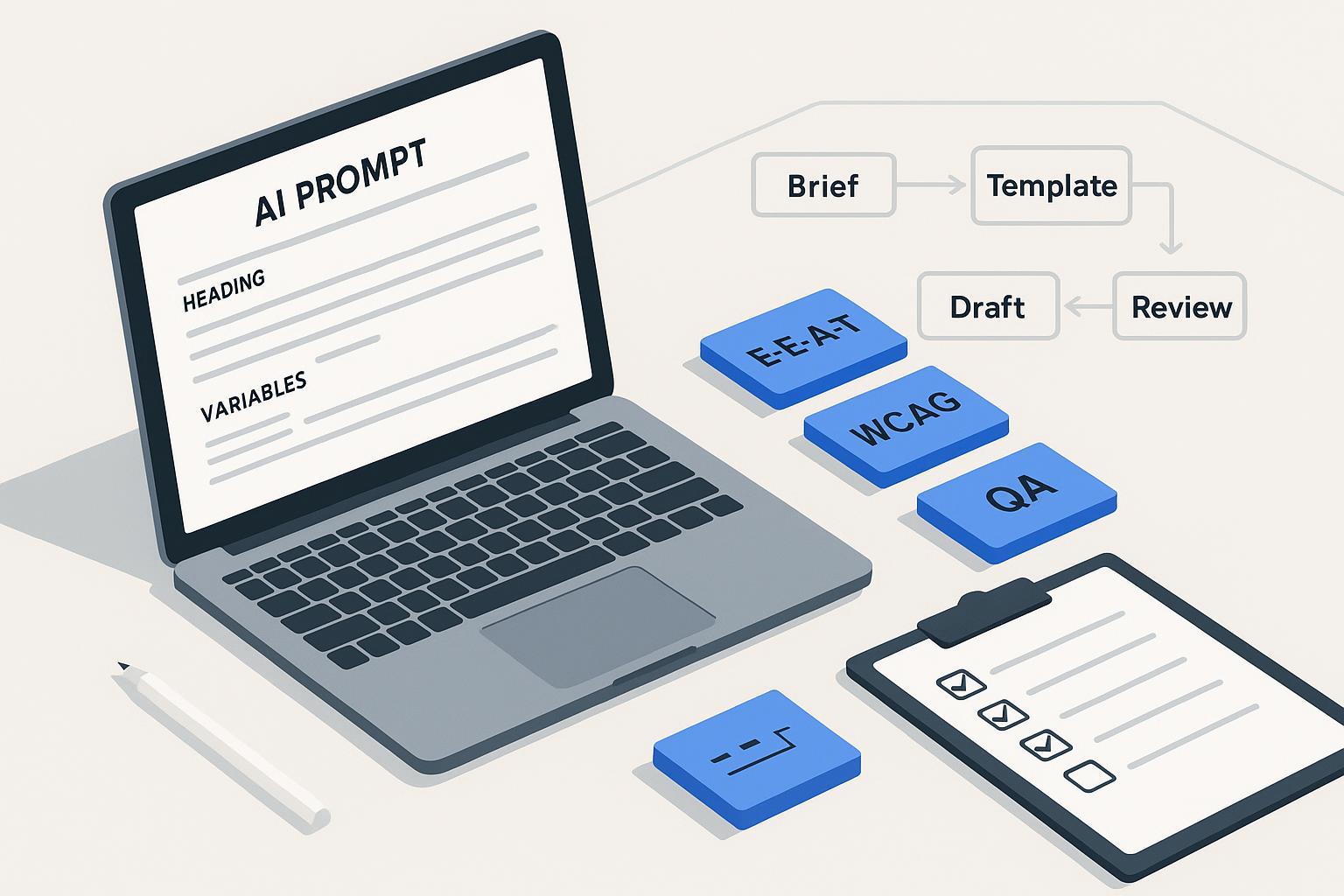
- Brief → Template → Draft → Self‑check → Human edit → SME review (as needed) → Approvals → Publish
Benefits: faster first drafts, more consistent voice, and easier QA. Risks: generic writing, hallucinations, and policy missteps if you skip evidence and review. That’s why we bake in E‑E‑A‑T signals (experience, expertise, authoritativeness, trust), clear sourcing, and human-in-the-loop editing. Google’s March 2024 update emphasized surfacing helpful, people-first content and demoting low-quality or scaled, unhelpful pages—see Google’s announcement in the Search Central blog for what changed and why in March 2024: Core update and spam policy changes. For ongoing guidance on building helpful, reliable pages that demonstrate experience and expertise, follow Google’s “creating helpful content” documentation: People‑first, E‑E‑A‑T‑aligned content.
Template anatomy that actually works
Great templates share five elements: a clear instruction header, variable slots, guardrails, evidence binding, and output formatting rules. Use this skeleton as your base and adapt it per format.
Instruction header
- Role: [e.g., Senior content strategist]
- Goal: [e.g., Draft a research-backed blog post]
- Primary audience: [persona, industry, stage]
- Reading level: [e.g., Grade 9–11]
- Voice/tone markers: [e.g., pragmatic, empathetic, no hype]
- Constraints: No legal/medical advice. Don’t include PII. Avoid speculation. Use plain, inclusive language.

Variable slots
- Topic: {{topic}}
- POV/unique angle: {{pov}}
- Target keywords/intent: {{intent_keywords}}
- Locale/language: {{locale}}
- Distribution channel: {{channel}}
- CTA: {{cta}}

Evidence & sourcing
- Acceptable sources: official docs, primary research, reputable standards bodies.
- Requirements: Cite claims with descriptive anchor text and links. Prefer canonical sources.

Guardrails
- Safety & compliance: follow Google people-first guidance; respect privacy; no fake/compensated reviews without disclosure; accessibility considerations.
- Inclusivity: use people‑first language; avoid stereotypes; define acronyms.

Output formatting
- Use Markdown. H1 once. H2/H3 logical order. Descriptive link text. Include alt text for any images.
- Provide a short intro, 3–6 focused sections, and a closing action.

Self‑check (before finalizing)
- List any claims and their sources. Note uncertainties. Flag sensitive topics for SME review.
Think of each bracketed item as an interface: you’ll swap in values per piece while keeping the same structure.
Choose the right reasoning framework (and why it matters)
Reasoning patterns control how the model thinks before it writes. Pick the wrong one and you’ll get shallow summaries; pick the right one and you’ll get structured, defensible drafts.
Framework comparison
| Framework | What it does well | When to use | Caveats |
|---|---|---|---|
| Chain‑of‑Thought (CoT) | Stepwise reasoning that breaks down the task | Complex analysis; multi-criteria decisions; outlining | Don’t expose internal “scratch work” in the final output; summarize it |
| ReAct (Reason+Act) | Alternates reasoning with tool use (e.g., search) | Research-bound drafting; citations before claims | Needs tool access or a research step; manage token cost |
| TAPS (Task–Action–Plan–Solution) | Forces planning before drafting | Content formats with repeatable stages | Practitioner pattern; terms vary across sources |
| DERA (Decompose–Execute–Reflect–Aggregate) | Adds reflection and revision loops | Long-form drafts that benefit from self‑review | Not canonical; requires time for reflection pass |
Why it matters: when factual accuracy and sourcing are required, mix an outline step (CoT/TAPS) with a research step (ReAct) before drafting. For a quick mental model, here’s a role–task–format wrapper with CoT planning:
You are {{role}}. Goal: {{goal}} for {{audience}}.
Plan (think step by step):
1) Decompose the brief into 3–5 sections.
2) List claims that need citations and the source types to find.
3) Note accessibility and inclusivity requirements to apply.
Then draft in Markdown following the plan.
For clarity on Google’s stance that high-quality content can be AI‑assisted if it demonstrates E‑E‑A‑T and helps users, see Google’s guidance: Search and AI‑generated content.
Build your first template: a step‑by‑step walkthrough
Below is a simple, repeatable path you can run for blogs, landing pages, or emails. Adjust variables per format.
-
Define the brief and variables
- Pin down topic, POV, audience, intent keywords, channel, CTA, locale. Add must‑include sources if you already have them.
-
Select your reasoning pattern
- For research‑heavy pieces, plan with CoT and run a ReAct‑style research pass before drafting.
-
Generate an outline with evidence requirements
- Prompt:
Using the template skeleton, produce an outline only. For each section, list:
- The core claim(s)
- The specific sources you will need (official docs/primary research)
- The accessibility and inclusivity considerations for that section
Stop after the outline. Do not draft yet.
-
Gather sources (manual or tool‑assisted)
- Pull official documents and canonical references. Prefer primary sources to summaries.
-
Draft with source binding
- Prompt:
Draft the article in Markdown using the approved outline. Rules:
- Every factual claim must be supported by an inline link with descriptive anchor text to a primary/canonical source.
- Use plain language and people-first phrasing. Define acronyms on first use.
- Keep headings scannable. Vary sentence length.
- Add alt text instructions wherever images are suggested.
- Run a self‑check before human edit
- Prompt:
Self-check the draft against this rubric:
- Accuracy: List claims and the source URLs used. Note any weak or secondary sources.
- Instruction following: Does the draft match the requested structure and variables?
- Inclusivity & accessibility: Reading level target met? Descriptive links? Alt text present where needed?
- Policy compliance: Any statements that could be promotional claims, legal/medical advice, or privacy risks?
Provide a bullet summary of issues and suggested fixes. Do not rewrite the entire article.
-
Human edit and SME review (as needed)
- An editor resolves issues, polishes voice, and confirms citations. For sensitive topics, route to an SME.
-
Finalize metadata and publish
- Check title, meta description, OG tags, author bio, and disclosures.
Compliance, accessibility, and security—baked in
- Google Search policies and people-first content. In March 2024, Google refined ranking systems and updated spam policies to reduce low‑value and scaled content abuse; aim for original, experience‑forward drafts with human oversight. See the official explainer: Core update and spam policy changes (March 2024). Reinforce signals readers care about by following Google’s guidance on building helpful, reliable pages that reflect E‑E‑A‑T: Helpful content with E‑E‑A‑T.
- Reviews, endorsements, and AI claims. If your content includes reviews or performance claims, the FTC’s 2024 final rule bans fake or deceptive reviews; set clear disclosure and authenticity checks. See the FTC press release: Final rule banning fake reviews and testimonials (2024).
- Privacy basics. Don’t paste PII into prompts; minimize data; be transparent about data use. For foundations on lawful processing and data minimization, refer to GDPR Article 5 principles: General Data Protection Regulation text.
- EU AI Act transparency horizon. Generative AI transparency obligations have phased dates; keep an eye on disclosures/labelling practices as guidance evolves. See the European Parliament overview: EU AI Act timeline and obligations.
- Accessibility. Enforce WCAG 2.2 essentials: logical headings, descriptive link text, alt text, and adequate contrast. See the spec overview: WCAG 2.2 guidelines.
- Security. Harden workflows against prompt injection and sensitive data leaks; align controls with the OWASP LLM Top 10 (e.g., avoid executing instructions from pasted content; sanitize and review outputs). Reference: OWASP Top 10 for LLM Applications.
QA and measurement you can trust
Use a rubric so editors and stakeholders judge drafts the same way every time. Below is a compact scorecard you can adapt. Set pass thresholds to fit your risk tolerance.
| Dimension | What to check | Passing guidance |
|---|---|---|
| Accuracy & grounding | Claims match sources; links point to canonical pages | No unsupported factual claims; all citations verifiable |
| Relevance & usefulness | Matches intent and audience needs | Sections address the brief; avoids filler |
| Voice & style | Tone aligns with brand; varied sentence length | Consistent voice; no hype adjectives without support |
| Instruction following | Structure, headings, variables, and format are correct | Markdown valid; H1 once; headings logical; variables resolved |
| Accessibility & inclusivity | Reading level; descriptive links; alt text; bias checks | Meets WCAG intent; people-first language; acronyms defined |
| Safety & compliance | No legal/medical advice; privacy respected; disclosures present | Sensitive topics flagged for SME; proper disclosures |
| SEO alignment | Intent match; unique value vs. existing pages | Avoid duplication; adds experience/insight |
Operationalize it with a simple target set: first‑draft acceptance after edit ≥ 90%; factual error rate on sampled claims ≤ 2%; average time‑to‑publish trending down; and engagement/SEO indicators stable or improving. For ongoing reliability, run lightweight regression tests whenever you update a template (e.g., feed the same brief to old vs. new template and compare rubric scores). If you use model‑graded evaluation, validate it against human labels before relying on it at scale.
Troubleshooting and common pitfalls
Generic outputs (everything sounds the same)
- Fix: Increase specificity in variables (audience segment, POV, distribution channel). Require at least one original example or quote per section. Add “forbidden phrasing” notes (e.g., avoid vague superlatives) to the guardrails.
Hallucinated or weak citations
- Fix: Require evidence listing before drafting. Limit acceptable sources to official docs, primary studies, and recognized standards. Add a self‑check that enumerates claims and sources and flags any secondary blog reliance.
Off‑brand tone
- Fix: Add a voice chart to the template header (do/don’t examples). Include a “tone parity” self‑check: the model compares the draft to your markers and lists misalignments.
Rigid or broken formatting
- Fix: Provide a minimal, explicit Markdown outline and require validation (“H1 once; H2/H3 logical order; no orphan headings”). Add a formatting self‑check step.
Duplicate or overlapping topics across your site
- Fix: Add an “intent and cannibalization” check before drafting. Compare target keyword/intent to existing URLs and adjust angle or consolidate content.
Where to go next (and internal link plan notes)
Stand up a small library that your templates can point to:
- Editorial style guide and voice chart (for guardrails and tone alignment)
- Google March 2024 spam policy summary (how your site interprets and applies it)
- Accessibility checklist aligned with WCAG 2.2 (what every article must meet)
- AI content security policy (prompt injection hygiene; data handling)
- QA rubric and scorecard template (the table above, expanded)
Once those pages exist, link them where noted in this guide to speed onboarding and make governance visible in the flow of work.
Ready to start? Copy the skeleton above, pick CoT for planning and a short research pass before drafting, and ship your first measured, source‑bound template—then iterate based on your rubric scores.
