How to Audit Your Content Library

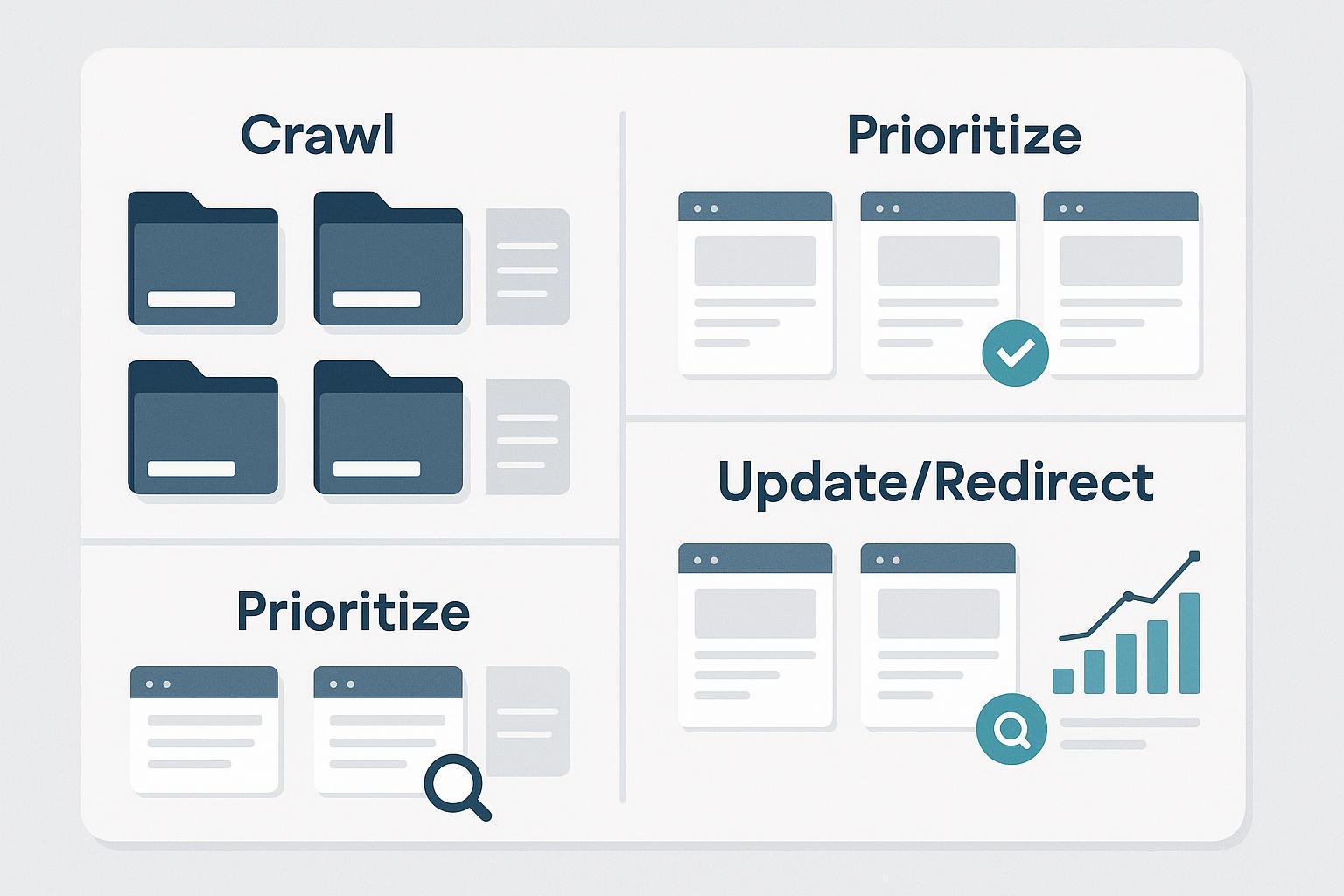
You’ve shipped hundreds of pages over the years—blogs, docs, landing pages, PDFs. Which ones still earn their keep, which ones drag you down, and where’s the next upside? A good content audit answers all three with a defensible plan you can execute safely.
This guide is built for content leads, SEO managers, and content ops pros. You’ll scope the audit, build a complete inventory, evaluate quality and performance, prioritize with a simple scoring model, choose safe actions (keep, update, consolidate, redirect, or retire), and monitor outcomes. No hype—just a repeatable workflow you can run quarterly or biannually.
Step 1: Set scope, goals, and success metrics
Start with the business outcome, not a spreadsheet. Are you trying to recover organic traffic, lift conversions on high-intent pages, standardize UX and accessibility, or address compliance? Choose content types to include now (e.g., blog, docs, landing pages, resource hubs, videos, PDFs) and what to defer.
Define success in measurable terms. Typical KPIs include Search Console clicks, impressions, CTR, and average position by page and query, plus GA4 engaged sessions, engagement rate, and conversions at the page level. For definitions and report navigation, see Google’s official overviews of the Performance report (Search results) and GA4’s user engagement metrics (engagement rate and bounce rate).
Add guardrails. Flag sensitive categories (YMYL, legal, regulated) for SME review. Decide what “no risky deletions without testing” means for your organization. Pick a time window for evaluation (often 28–90 days, with seasonality in mind).
Step 2: Build a complete inventory (crawler + platform exports)
Think of your inventory as the project’s source of truth. Use a crawler to gather URL-level technical and on-page data, then enrich it with performance metrics from GSC and GA4. A desktop crawler such as Screaming Frog makes this straightforward; its exports are documented in the official guide to exporting data.
Minimum viable schema (feel free to copy):
| Field | What to capture |
|---|---|
| URL | Absolute, normalized URL; avoid parameters unless necessary |
| Status code | 200/3xx/4xx/5xx (helps spot broken or redirected pages) |
| Indexability | Indexable vs. excluded; note directives (meta robots, X-Robots-Tag) |
| Canonical (declared/resolved) | Your rel=canonical and the URL Google is likely to choose |
| Meta title/description | Text plus character counts for snippet QA |
| H1 | Primary on-page heading |
| Word count | Approximate length (contextual, not a hard rule) |
| Last updated | HTTP last-modified or CMS field |
| Owner/author | Useful for routing edits and SME reviews |
| Primary topic & target query | Your best description of intended intent |
| Internal links in/out | To find orphans and plan consolidations |
| Schema present | Type(s) or Y/N baseline |
| Image alt coverage | % images with descriptive alt text |
| GA4 metrics | Engaged sessions, engagement rate, conversions (same window) |
| GSC metrics | Clicks, impressions, CTR, average position (same window) |
| Quality/Business/Performance scores | 0–5 rubric to enable prioritization |
| Recommended action & notes | Keep/Update/Consolidate/Redirect/Noindex/Delete |
To collect performance data for each URL, export page-level data from the Search Console Performance report and from GA4’s standard reports or Explorations. For GSC, use the Pages tab and filters, then export; for GA4, pull page-level engaged sessions, engagement rate, and conversions for the same date window used in GSC.
Step 3: Evaluate quality, freshness, and UX
Use a lightweight rubric so reviewers make consistent calls. Look for clear expertise and real experience signals, accurate claims with citations, and original depth that fully answers intent. Check freshness: are stats, product details, and screenshots current? Confirm readability and accessibility with scannable headings and descriptive alt text. And keep an eye on technical UX; if input responsiveness or loading feels sluggish, coordinate with your dev team. For a high-level view of user-centric performance, see Google’s Core Web Vitals overview.
Score each dimension 0–5 and add a short note for context. Two reviewers on a sample set will calibrate your rubric in under an hour.
Step 4: Analyze performance and find opportunities
This is where numbers meet narrative. In GA4, focus on engaged sessions, engagement rate, and conversions for each page; engagement rate is the share of sessions that were “engaged” (such as lasting longer than 10 seconds or including a key event) per the official user engagement metrics. In Search Console’s Performance report, compare clicks, impressions, CTR, and average position by page and by query, and export both views for offline analysis via the Performance report (Search results).
Common patterns to act on include high impressions with low CTR (rewrite titles/meta to better match intent), content decay versus the prior 3–6 months (refresh examples, depth, and internal links), and cannibalization where the same query triggers impressions for multiple URLs (choose a primary, merge overlapping content into it, and plan a redirect from secondary pages).
Step 5: Prioritize with a simple scoring model
You don’t need a fancy algorithm—just a weighted rubric that turns analysis into action. Score each page 0–5 on business value (conversion proximity, strategic importance), quality (your rubric from Step 3), and performance (GSC + GA4 outcomes relative to peers). Example formula: Priority score = 0.4 × Business + 0.3 × Quality + 0.3 × Performance. Define tiers such as P0 (urgent fix or consolidation), P1 (update soon), P2 (monitor), and P3 (keep and lightly refresh). Auto-bump anything with redirect chains, critical indexing issues, or severe duplication.
Step 6: Choose page actions—safely
Keep high-quality, high-performing pages and protect them with only light refreshes and strong internal links. Update or expand pages with opportunity—tighten intent match, improve structure and media, add missing sections, and refine title/meta. Consolidate or merge when two or more pages compete for the same query or intent; fold the best of each into the strongest URL and update internal links to point to it. Use a 301 redirect when you consolidate or change URLs; Google’s guidance on 301 redirects and Google Search emphasizes minimizing hops and keeping signals consistent. If a page misses the mark but the URL has equity, rewrite it at the same URL. For low-value or off-strategy pages not intended to rank, add noindex and remove from sitemaps; delete only when there’s no valid replacement.
Step 7: Implement with change control (safe-ops)
Treat the rollout like a mini release. Build a single-hop redirect map (old → new), test with a crawler, and confirm final targets return 200 and are indexable. Keep rel=canonical, internal links, hreflang, and sitemaps aligned with your preferred URLs; Google clarifies that canonicals are signals, not directives, in its canonicalization docs. Include only canonical, indexable URLs in your sitemaps and submit or refresh them in Search Console per the Sitemaps overview. Finally, record what changed and when—if your analytics stack supports annotations or events, mark the deployment so you can compare before/after cleanly.
Step 8: Monitor outcomes and iterate
Expect search effects to unfold over a few weeks; watch a 2–6 week window for impacted sections depending on crawl frequency. In Search Console, track affected pages and key queries in the Performance report and check indexing states in Pages (Page indexing). In GA4, compare 28-day pre/post for engaged sessions, engagement rate, and conversions. Re-crawl to confirm redirects, canonicals, meta directives, and internal links look the way you planned. If a critical page drops sharply and doesn’t recover within your window, revisit mapping, content changes, and internal links, and consider rolling back the most impactful change first.
Time and complexity estimates
Small libraries (≤300 URLs) often take 1–2 weeks end-to-end for one practitioner. Medium (300–3,000 URLs) tends to be 3–6 weeks with staged rollouts and 1–2 practitioners. Large (≥3,000 URLs) can run 6–12+ weeks with a team (SEO lead, analyst, editor, developer) and phased deployment. Your domain’s crawl rate, CMS complexity, and compliance layers will move these ranges.
Troubleshooting and FAQ
We found redirect chains and loops. Map each legacy URL directly to the final destination (single hop), update internal links, and re-crawl to verify. Chains dilute signals and slow users; Google’s page on 301 redirects and Google Search outlines best practices.
Search Console shows “Crawled – currently not indexed.” Improve uniqueness and depth, strengthen internal linking from important hubs, and request reindexing only after material improvement.
Two pages keep swapping as Google’s chosen canonical. Make sure internal links, sitemaps, and hreflang all point to the preferred URL and consider a redirect if they truly duplicate. Reference Google’s canonicalization guidance as you decide.
Engagement rate vs. time-on-page is confusing. In GA4, engagement rate is the percentage of sessions that were “engaged,” and bounce rate is its inverse; see the official user engagement metrics for precise definitions.
How do we export the right crawl data? Use your crawler’s tabs and bulk export functions to pull internal URLs, directives, canonicals, links, and more. Screaming Frog documents these options in its guide to exporting data.
A quick mental model
Think of your library like a city map. Some roads are highways feeding conversions; others are side streets that still matter for neighborhood coverage. Your audit labels each route, removes dead ends, merges redundant paths, and posts clearer signs so the right traffic gets where it needs to go faster.
What’s next? Start with a pilot: pick one product area or topic cluster, run the eight steps above, and ship a small set of changes behind a change log. Compare 28-day pre/post in GA4 and Search Console, then scale the process across the rest of the site. Once you’ve run a full pass, schedule quarterly mini-audits to catch decay early and keep your best pages sharp.
