GEO (Generative Engine Optimization) Best Practices for Developers and Technical Content

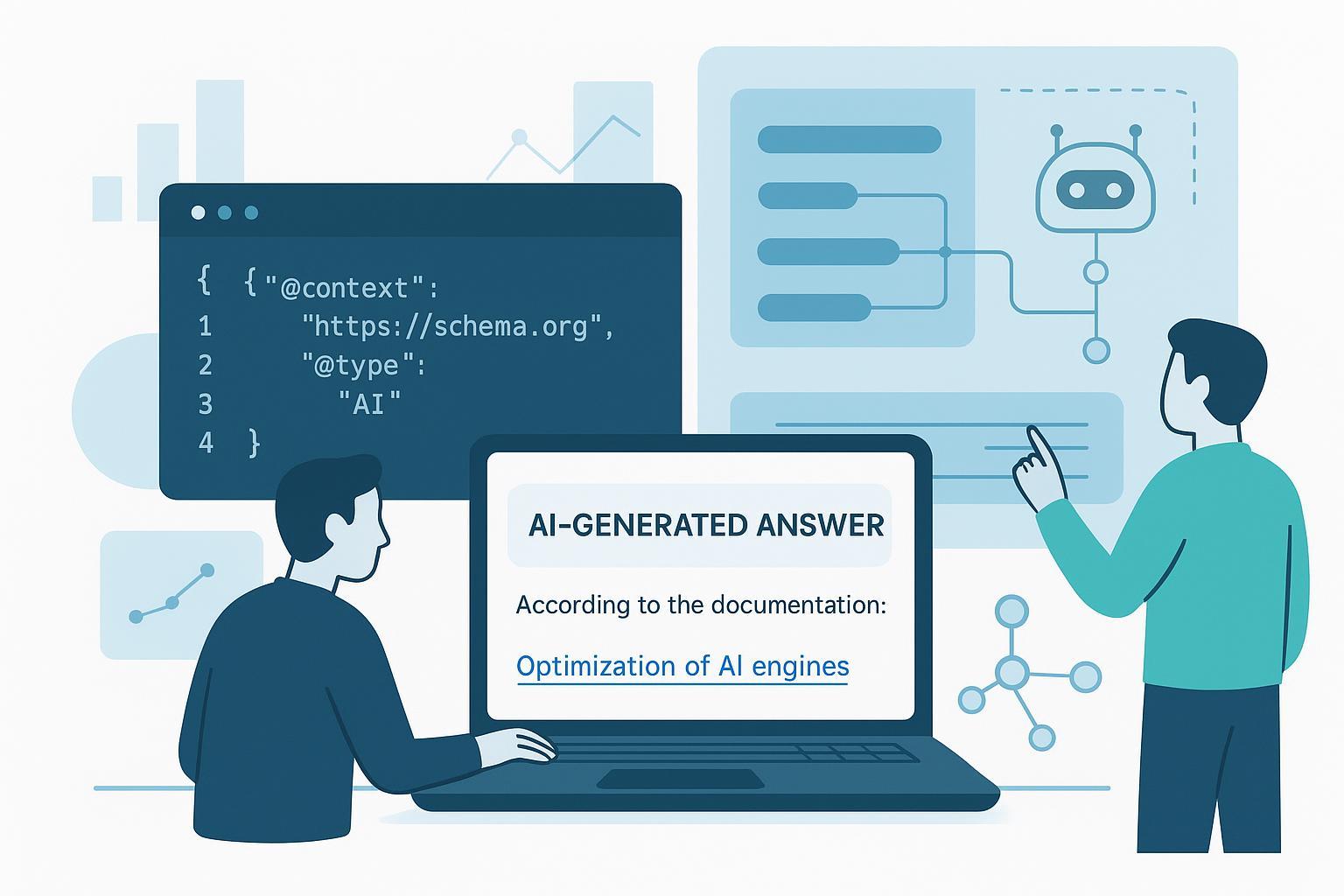
When an AI assistant answers a developer’s question, will it cite your docs—or your competitor’s? GEO is how you make your technical content easy for generative engines to parse, trust, and reuse.
GEO in practice: what it means for engineers and doc teams
GEO is the discipline of structuring docs, tutorials, and knowledge so LLMs can extract, ground, and cite your content inside AI responses. It complements SEO but optimizes for a different “surface area”: being selected and credited in AI answers, not just blue links.
In 2025, Google says eligibility for AI-driven features depends on helpful content, technical health, and matching structured data—not schema alone magically lifting visibility. See the guidance in Google’s own overview of AI features and success factors in 2025: according to Google, alignment with people-first content, accurate structure, and crawlability are prerequisites, not guarantees. For details, review Google’s notes on AI features and success factors in 2025 in their official documentation: the sections on eligibility requirements and schema matching are most relevant to engineering teams who ship docs (Google Search Central — AI features and success factors (2025)).
So, what changes for developers? Think modular content blocks (Q&A, HowTo steps, APIs with clear parameters), semantic HTML, and JSON-LD that faithfully mirrors what’s on the page. Keep performance budgets tight and ensure bots can reach, render, and understand your assets.
Make content extractable: content units and schemas LLMs reuse
Generative engines prefer concise, well-labeled chunks with obvious boundaries: question-to-answer pairs, numbered steps, code+explanation units, and short TL;DRs. Model your content like an API response: predictable keys, stable anchors, and consistent naming.
Two high-yield tactics:
- Use JSON-LD for the page’s primary entity (TechArticle, HowTo, FAQPage). Validate on every change.
- Align headings, captions, and code blocks with the same entities and terms referenced in schema.
| Content goal | Recommended schema.org type | Structural cues to include |
|---|---|---|
| Troubleshooting Q&A | FAQPage | Short question, direct answer, links to deeper docs |
| Step-by-step tutorial | HowTo | Ordered steps, required tools, result, images/snippets |
| Technical article/spec | TechArticle | programmingLanguage, articleSection, codeRepository |
| Community solution thread | QAPage | acceptedAnswer, upvoteCount, author credentials |
Here’s a compact JSON-LD example for a tutorial page:
{
  "@context": "https://schema.org",
  "@type": "HowTo",
  "mainEntityOfPage": {
    "@type": "WebPage",
    "@id": "https://docs.example.com/tutorials/geo-json-ld-ci"
  },
  "name": "Add JSON-LD and CI checks to your docs",
  "description": "A step-by-step guide to implementing JSON-LD and CI validation for GEO.",
  "author": {
    "@type": "Person",
    "name": "Jordan Lee"
  },
  "datePublished": "2025-03-10",
  "dateModified": "2025-11-02",
  "inLanguage": "en",
  "step": [
    {
      "@type": "HowToStep",
      "name": "Model your content entities",
      "text": "Choose HowTo/TechArticle/FAQPage and align headings to schema properties."
    },
    {
      "@type": "HowToStep",
      "name": "Add JSON-LD",
      "text": "Embed JSON-LD that mirrors visible content; prefer programmatic generation."
    },
    {
      "@type": "HowToStep",
      "name": "Validate in CI",
      "text": "Block merges on schema errors using JSON Schema or custom checks."
    }
  ],
  "tool": [
    {
      "@type": "HowToTool",
      "name": "Ajv JSON Schema validator"
    },
    {
      "@type": "HowToTool",
      "name": "Lighthouse CI"
    }
  ],
  "estimatedCost": {
    "@type": "MonetaryAmount",
    "currency": "USD",
    "value": "0"
  }
}
Validate your structured data as you would unit tests. The official Schema.org validator is fast for spot checks, and Google’s Rich Results Test helps confirm eligibility surfaces.
Technical foundations that raise eligibility
A page that’s fast, indexable, and renderable is more likely to be correctly parsed and included in AI features. Think of this as your GEO “runtime.”
- Rendering: Prefer server-side rendering (SSR) or static generation for docs and tutorials. Hydrate only what’s needed.
- Performance: Hold to Core Web Vitals budgets. Compress code samples and screenshots; set caching headers.
- Semantics: Use clean headings (h1–h3), short summaries, and tables for parameters. Keep code blocks scoped to one task each.
- Canonicals and sitemaps: Publish clean canonicals, a docs-focused sitemap, and stable anchors for content chunks.
- Accessibility: Good labels and headings improve both human and machine parsing.
For Google’s crawler and AI features, ensure the page is indexable and eligible, and that your structured data matches visible content; see Google’s guidance on AI features and success factors (2025) for the official stance.
Access governance: robots, AI user-agents, and when to use WAF rules
You control access at multiple layers: robots.txt, meta robots/X-Robots-Tag, and network-level policies. Robots rules gate crawling pre-fetch; meta tags work post-fetch.
- Robots.txt: Define broad allow/deny rules and per-bot directives. See Google’s primer for syntax and behavior in Robots.txt intro (Google Search Central).
- Page-level controls: Use robots meta or X-Robots-Tag headers for noindex/nosnippet on sensitive endpoints.
- AI training opt-out: Some ecosystems support user-agents like Google-Extended/Applebot-Extended. Cloudflare also provides controls that broadcast opt-out and enforce it at the edge; review their summary in Cloudflare — Control content use for AI training.
- Spoofing and stealth crawlers: Don’t rely on robots alone for high-risk content. Enforce with WAF/IP/ASN rules and bot fingerprints when necessary.
A practical split: docs you want cited should be crawlable and indexable. Internal runbooks or license-limited content should be explicitly blocked and optionally hardened at the edge.
llms.txt: optional, low-cost signal—set expectations
Developers ask, “Should we add llms.txt?” It’s easy to publish, but adoption is inconsistent and no major engine guarantees enforcement. Treat it as an optional hint. For a sober perspective on limits and adoption, see Redocly’s analysis in llms.txt is overhyped.
If you can generate it automatically from your source model, do it—but prioritize enforceable controls (robots, WAF) and content clarity.
Authoritativeness and trust for technical docs (E-E-A-T)
LLMs tend to cite sources that look authoritative and stable. Strengthen trust signals:
- Put real author bios on tutorials and deep-dives; link to GitHub and conference talks.
- Show dates and changelogs; version your APIs and docs.
- Cross-link to standards, RFCs, and original sources you relied on.
- Use Organization and Person schema on author and company pages to align entities with external profiles (sameAs to GitHub, LinkedIn, Wikipedia when applicable) in line with Google’s Organization structured data guidance.
Build GEO into CI/CD
Automate checks so GEO isn’t a side project that breaks on the next release. Add schema validation, link checks, and performance budgets to your pipelines. Here’s a minimal GitHub Actions example to illustrate the idea:
name: geo-quality-gates
on:
  pull_request:
    paths:
      - 'docs/**'
jobs:
  validate:
    runs-on: ubuntu-latest
    steps:
      - uses: actions/checkout@v4
      - name: Install deps
        run: |
          npm ci
      - name: JSON-LD lint (custom)
        run: |
          node scripts/validate-jsonld.js
      - name: Link check
        run: |
          npx broken-link-checker http://localhost:4173 --ordered --exclude-external
      - name: Lighthouse CI
        run: |
          npx @lhci/cli autorun --config=./.lighthouserc.js
In practice, teams replace the placeholder validator with Ajv or a custom rule-set that compares JSON-LD against visible page content. Block merges on schema errors, broken internal links, or performance regressions.
Monitoring and measurement
You can’t fix what you don’t observe. Track three layers: crawler activity, AI citations, and content health.
- Crawler activity: Use your CDN/WAF telemetry to see which bots are fetching what, and whether they honor robots. Cloudflare’s bot insights and controls are a practical starting point; see their overview in Cloudflare’s 2025 crawler landscape.
- AI citations and visibility: Treat vendor indices as directional. Semrush’s public research reports rates of AI Overviews appearance and offers visibility indices; see their 2025 cohort analysis in Semrush — AI Overviews study.
- Content health: Keep schema validation clean and watch for render or accessibility issues that could hinder extraction. Automate as much as possible.
Build weekly dashboards that combine bot logs with citation snapshots and open defects. Over time, you’ll see patterns: which content units get reused, where schema breaks, and which topics need deeper coverage.
Case-style mini patterns: what’s working across teams
- Short, specific answers win: Pages with a crisp TL;DR followed by steps and code are more frequently reused than long narrative posts.
- Entity consistency matters: Using the same product and API names—and reflecting them in schema and anchors—reduces mismatches in LLM answers.
- Freshness plus stability: Regularly updated pages with stable URLs and versioned anchors are more likely to be trusted and cited.
- Performance budget enforcement: Lighthouse CI thresholds stop regressions that quietly reduce eligibility.
- Guardrails for access: Teams keep public docs fully crawlable while blocking internal runbooks via robots and WAF. This avoids accidental leakage into AI answers.
These aren’t silver bullets, but they’re reproducible practices that reduce ambiguity for both crawlers and generators.
Implementation checklist and next steps
Use this to move from ideas to shipped changes.
- Model content units and add JSON-LD (HowTo/FAQPage/TechArticle) that mirrors visible content; validate on every change with the Schema.org validator.
- Raise technical eligibility: SSR/static delivery, Core Web Vitals budgets, semantic headings, canonicals, and a docs-focused sitemap aligned to your taxonomy.
- Set access policy: Open public docs; explicitly restrict internal content via robots/meta and enforce critical paths in your WAF. Reference Google’s robots.txt intro for syntax.
- Treat llms.txt as optional: publish if trivial, but don’t expect enforcement; see llms.txt is overhyped.
- Build CI gates: schema validation, link checks, Lighthouse CI; block merges on failures.
- Monitor and tune: crawler logs, AI citation indices like Semrush’s AI Overviews study, and a weekly defect burn-down. Adjust content units based on what gets reused.
If you’re thinking, “Where do we start this sprint?”—ship the CI gates and fix the top 10 doc pages by traffic and support volume. The flywheel begins when every change is validated, every page is extractable, and every bot that matters can actually read your work.
