E‑E‑A‑T for Bloggers: A Practical Guide

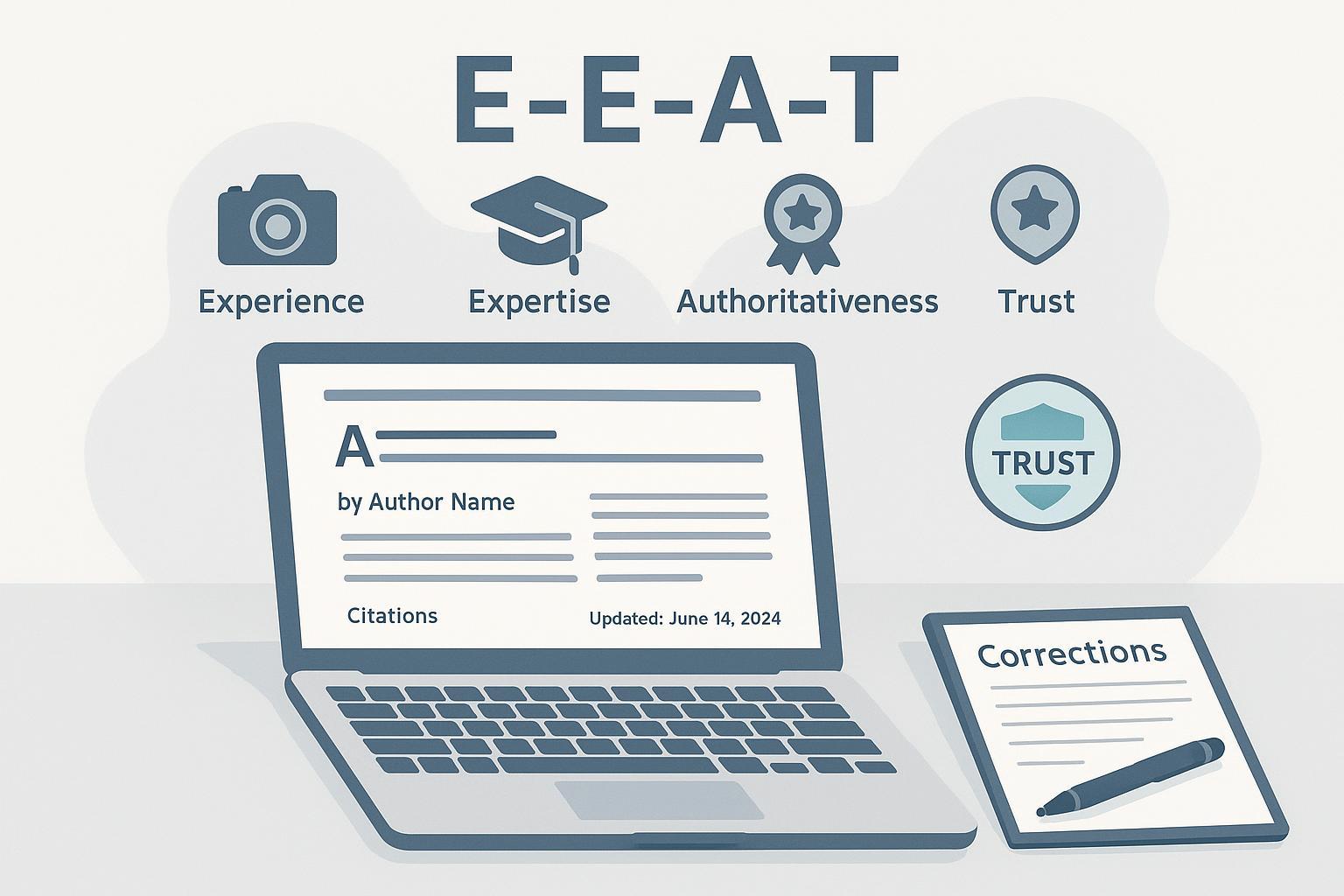
If you blog for a living (or want to), here’s the deal: readers trust signals they can see. Google’s guidance lines up with that. E‑E‑A‑T—Experience, Expertise, Authoritativeness, and Trustworthiness—is a framework used in the Search Quality Rater Guidelines (SQRG) to evaluate how helpful and reliable your content appears. It’s not a single “ranking factor,” but it strongly influences what quality looks like.
According to Google’s own documentation, raters use E‑E‑A‑T to assess page quality and put extra weight on Trust. You’ll find this framing throughout the Search Quality Rater Guidelines (2025) and in Google’s people‑first content guidance. The practical takeaway: show your work, cite your sources, and make it clear who wrote and updated the piece.
What E‑E‑A‑T means (and what it doesn’t)
E‑E‑A‑T covers four dimensions:
- Experience: first‑hand or life experience with the topic (e.g., you actually used the product you’re reviewing).
- Expertise: knowledge or skill—sometimes formal credentials—appropriate to the topic.
- Authoritativeness: reputation and recognition for the topic (citations, references, mentions).
- Trustworthiness: accuracy, honesty, safety, and transparency.
Google emphasizes that Trust is foundational; if a page isn’t trustworthy, strong experience or expertise won’t redeem it. This perspective comes from the SQRG (2025).
Two quick clarifications anchored in Google’s guidance:
- E‑E‑A‑T is not a direct ranking factor or an internal “score.” It’s a framework that informs quality evaluation. Google’s systems look for signals aligned with helpful, reliable content. See Google’s position in “Google Search and AI‑generated content” (2023) and the helpful content communications.
- People‑first content wins. Google’s helpful content guidance focuses on leaving readers satisfied because the content was created for them—not for search engines. Read the framing in Google’s helpful content update overview (2022).
On‑page trust signals you can implement today
Small blogs can make big gains by tightening visible signals on every post. Start here:
- Add a clear byline that links to a dedicated author page. Include a short bio, relevant credentials or experience, and contact or social links.
- Show first‑hand evidence inside the post: original photos, screen recordings, or data logs. If you claim you tested something, demonstrate it.
- Cite authoritative sources with descriptive anchors (government sites, peer‑reviewed journals, original manufacturer docs). Avoid unsupported claims—especially in sensitive topics.
- Display both the published date and an updated date. When you materially change the content, add a brief change note (e.g., “Updated on Nov 2025: added battery life test methods”).
Mini‑example: Place a small “Revision notes” line under the header. “Published: May 3, 2024 • Updated: Nov 19, 2025 — Correction: fixed CPU benchmark chart (source link updated).” That visible trail builds trust.
Site‑level trust and safety (the foundation you control)
Strong sites make it easy to see who’s behind the content and how it’s maintained. Map each signal to a concrete action:
| Trust/Safety Signal | Why it matters (Google‑aligned) | Blogger action you can take today |
|---|---|---|
| About + Contact pages | Transparency supports trust and aligns with SQRG expectations for clear site info | Publish an About page with ownership and mission; add a Contact page with a working email or form |
| Editorial Standards | Shows how you source, fact‑check, and update content | Create an editorial standards page; link it in the footer |
| Corrections Policy | Readers and raters can see how you handle errors | Post a corrections policy; add change notes on updated posts |
| Privacy + Terms | Standard trust and compliance signals | Publish accessible privacy and terms pages; keep them updated |
| HTTPS (site‑wide) | Security and trust; recommended in Google’s SEO Starter Guide | Enforce HTTPS; renew certificates; monitor issues in Search Console |
| Structured data (Article/Review) | Helps Google understand authorship, dates, reviews | Implement JSON‑LD for Article and Review; validate with the Rich Results documentation |
Two simple placement tips: put these pages in your global footer, and link author bylines to detailed author pages.
YMYL guardrails (health, finance, legal, safety)
If your content can impact someone’s well‑being or money, you’re in YMYL territory. The SQRG applies higher scrutiny: appropriate expertise, accuracy consistent with expert consensus, and strong trust signals. See the YMYL framing in the SQRG (2025).
Practical safeguards:
- Display credentials for authors and reviewers (e.g., MD, JD, CPA, CFP). If a subject‑matter expert reviews the piece, state it near the byline.
- Cite primary, authoritative sources: government agencies (NIH, CDC, SEC), standards bodies, peer‑reviewed journals.
- Add disclaimers making it clear the content is educational, not individualized advice. Encourage readers to consult qualified professionals.
- Maintain an updates log with visible dateModified and short change notes for substantive edits.
Rhetorical question: If someone acted on your advice today, would they have enough context, sources, and cautions to make a safe decision?
Operational playbook (so you can sustain E‑E‑A‑T)
You don’t need a big team to run good editorial hygiene. Think in simple workflows:
Sourcing and fact‑checking
- For every claim, ask: What’s the primary source? Link to it with context in the sentence. Avoid linking to summaries when the original exists.
- Cross‑verify sensitive facts against two independent, authoritative sources.
Updates and corrections
- Set a quarterly content review cadence for evergreen posts; for fast‑moving topics, review monthly.
- When you materially update a post, refresh the updated date and add a brief revision note.
- For corrections, label them explicitly at the top or near the affected section.
Structured data quickstart
- Use JSON‑LD Article markup with author, headline, image, datePublished, dateModified, and author.url. See Google’s Article structured data docs.
- If you run WordPress, most SEO/schema plugins can output Article and Review markup; validate with Google’s Rich Results Test.
AI‑generated content: the “Who/How/Why” lens
Google allows AI‑assisted content when it’s helpful and original. The red line is scaled manipulation or spam. Read Google’s stance in “Google Search and AI‑generated content” (2023) and “Using generative AI content” documentation.
Practical steps:
- Who: Make authorship clear—who is accountable for the content.
- How: If AI meaningfully shaped the draft or analysis, consider a short disclosure in your editorial standards page.
- Why: Publish to help readers, not to flood indexes. Avoid scaled content abuse and ensure every post passes a human editorial review.
Think of AI like a power tool: helpful when guided, dangerous when you let it run unattended.
Reputation and reviews you don’t fully control (but can influence)
Authoritativeness grows as others reference your work. Here’s how to play the long game without gimmicks:
- Publish original angles or data (even small tests); include methods and evidence so others can cite you.
- Engage in communities where your audience gathers; offer helpful answers and link only when it adds clear value.
- Encourage genuine reviews and testimonials; if you use Review markup, ensure ratings reflect the on‑page content and comply with Google’s Review structured data guidelines.
- Monitor brand mentions and feedback; respond to substantive critiques with updates or clarifications.
Wrap‑up: One post, one improvement
Pick your highest‑traffic post and make two upgrades today: add first‑hand evidence (a photo or screenshot) and a visible change note with an updated date. Then, add or refine your author page. Small, consistent steps compound into trust.
