Best AI Tools for Technical Writing (2025)

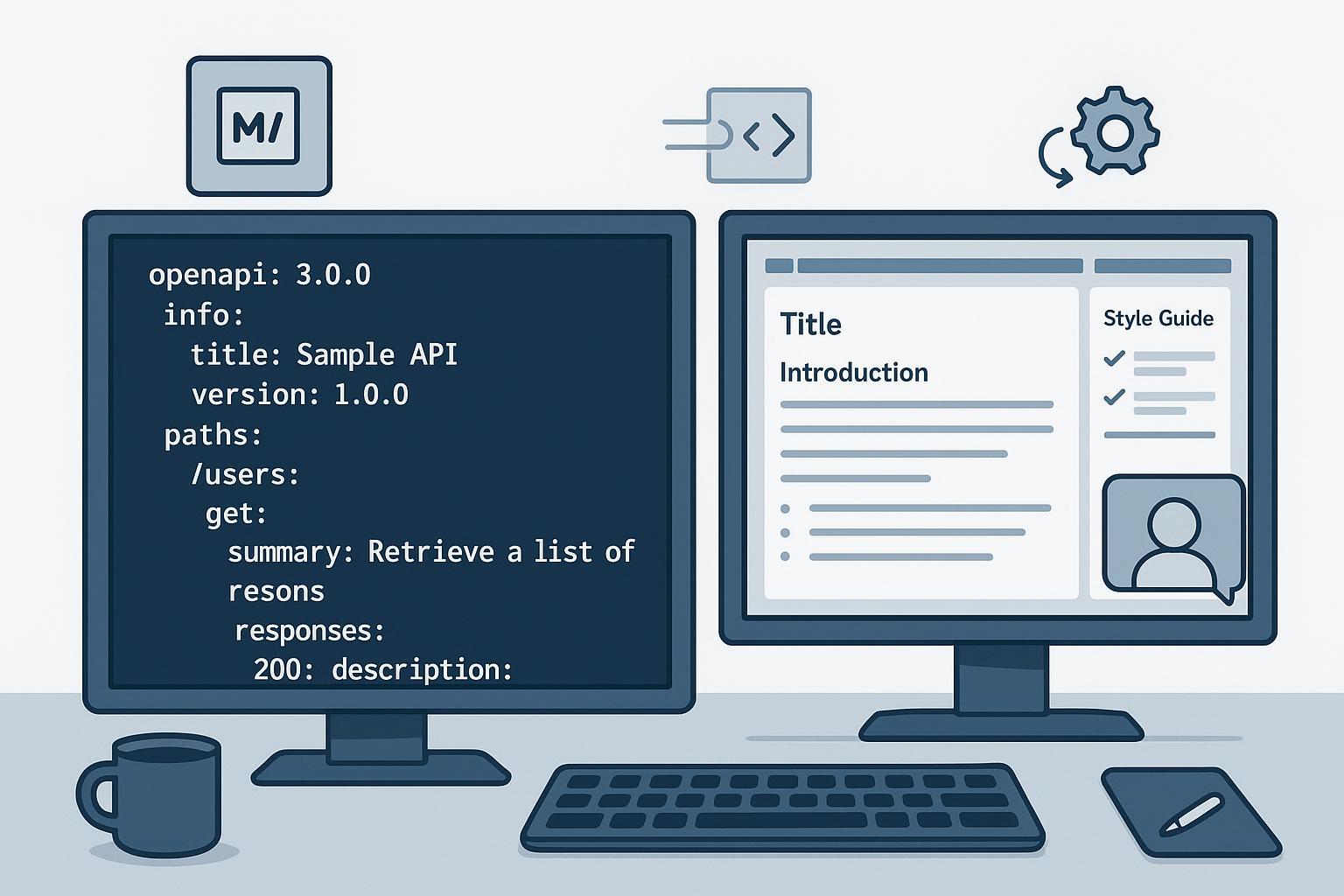
Technical writing isn’t just “wordsmithing.” It’s a system: structured authoring, API specs, style governance, review workflows, translation, and publishing. The tools below focus on that reality. They’re grouped by use-case, evidence-linked, and priced with “from” ranges that are subject to change.
How we selected these tools
We evaluated tools by capability match, integration with structured workflows (Markdown/DITA/OpenAPI), style and terminology governance, evidence quality/recency, learning curve, and value/support. Think of it like assembling a doc stack: each piece should plug into version control, CI/CD, and your style guide.
Quick comparison
| Tool | Primary use-case | Standout AI/automation | Pricing stance |
|---|---|---|---|
| Redocly | API docs & portals | OpenAPI linting + style governance | From official tiers; subject to change |
| Mintlify | Developer docs | Docs-as-code with AI assistant & search | From official tiers; subject to change |
| ReadMe | Developer hubs | Interactive API explorers & analytics | From official tiers; subject to change |
| Acrolinx | Governance | Style/terminology enforcement & scoring | Quote-only |
| Writer.com | Governance + AI | Brand/style guides with controlled generation | From official tiers; subject to change |
| HyperSTE | STE compliance | Simplified Technical English checks | Quote-only |
| Paligo | CCMS | Topic-based reuse & multichannel publishing | From official tiers; subject to change |
| Heretto | DITA CCMS | Structured authoring & review workflows | Quote-only |
| MadCap Flare + IXIA CCMS | Authoring/DITA CCMS | Single-source publishing; DITA-native governance | Contact sales; subject to change |
| Document360 (Eddy AI) | Knowledge base | AI writer/search/chatbot | From official tiers; subject to change |
| ChatGPT (GPT-4o) | General assistant | Multimodal, function-calling & structured outputs | Free/Plus/API; subject to change |
| Claude 3.5 Sonnet | General assistant | Long context window, artifacts | Token-based; subject to change |
| Gemini 1.5 | General assistant | Very long context via Vertex AI | Usage-based; subject to change |
API documentation and developer docs
Redocly
Positioning: OpenAPI-first docs with governance baked in. If you want consistent, linted specs that publish clean references and portals, Redocly is built for that.
What stands out: Organization-wide rulesets and CLI linting make style enforcement practical across teams, and workflows hook into CI/CD. See Redocly’s guidance on configuring rulesets for linting and the lint-and-bundle workflow (official docs, 2024–2025).
Pros: Strong OpenAPI 3.1 support; scalable governance; customizable reference rendering.
Cons: Best with OpenAPI-centric teams; theming and portal setup require ramp-up.
Best for: API platforms that need enforceable standards and CI/CD integration.
Pricing: From Redocly’s published tiers; subject to change. Check the official pricing page.
Mintlify
Positioning: Developer-first docs platform with a docs-as-code mindset and modern UX.
What stands out: Git-based workflows, Markdown authoring, and AI features (assistant/chat) across supported tiers. Explore the Mintlify docs portal and product comparisons on the blog.
Pros: Smooth authoring for engineers; strong search; great developer UX.
Cons: Less suited to strict DITA/enterprise governance; advanced AI features vary by plan.
Best for: SaaS teams shipping developer docs from repositories.
Pricing: From Mintlify’s official tiers; subject to change. See Mintlify pricing.
ReadMe
Positioning: Developer hubs that blend interactive API explorers with guides and analytics.
What stands out: OpenAPI-driven, interactive request/response documentation and usage insights. Read the API documentation essentials guide (publisher: ReadMe) for their model.
Pros: Interactive, measurable developer experience; solid versioning.
Cons: Best value when you adopt the full hub; less emphasis on doc-as-code.
Best for: Product teams that want interactive explorers and engagement analytics.
Pricing: From official tiers; subject to change. Verify ReadMe pricing.
Content governance, style, and terminology
Acrolinx
Positioning: Enterprise content governance that enforces style, terminology, and compliance.
What stands out: Digitized style guides, terminology management, analytics, and governance across human- and AI-generated content. See Acrolinx’s analysis on why structured authoring and governance are a dream team and their content governance overview.
Pros: Deep enforcement and reporting at scale; strong integrations with enterprise authoring.
Cons: Requires setup, change management, and stakeholder buy-in; pricing is custom.
Best for: Enterprises with formal style guides and risk/compliance requirements.
Pricing: Quote-only; contact Acrolinx.
Writer.com
Positioning: Enterprise AI platform with governance—style guides, terminology, approvals, and controlled generation.
What stands out: Responsible AI posture and governance features. Review Writer’s responsible AI adoption guidance and their global AI regulation hub for policy context.
Pros: Strong brand consistency; configurable permissions and policies.
Cons: Enterprise orientation; teams need to tune guides and workflows.
Best for: Organizations centralizing AI-assisted writing with controls.
Pricing: From official tiers; subject to change. Confirm on Writer’s pricing page.
HyperSTE
Positioning: STE compliance checker focused on terminology control and clarity.
What stands out: Checks for Simplified Technical English rules and integrates into authoring environments. Verify availability and licensing with the vendor.
Pros: Helps standardize language for global audiences where STE is mandated.
Cons: Narrow scope; requires training authors on STE.
Best for: Aerospace, defense, and regulated sectors using STE.
Pricing: Quote-only; contact the vendor.
Structured authoring and CCMS
Paligo
Positioning: Cloud CCMS for topic-based, structured authoring with reuse and multichannel publishing.
What stands out: Single-source publishing with variables, conditional content, translation workflows, and governance. See Paligo docs on topics as structured content and content reuse. Paligo also discusses AI’s role in technical documentation on the company blog.
Pros: Robust reuse and multi-channel output; audit-friendly workflows.
Cons: XML-backed structure has a learning curve; enterprise pricing varies by configuration.
Best for: Teams needing governance plus consistent output across channels.
Pricing: From Paligo’s official tiers; subject to change. Check Paligo pricing.
Heretto (formerly easyDITA)
Positioning: DITA-capable CCMS for enterprise content operations.
What stands out: Structured authoring, workflow, branching, review, and publishing in the cloud. See recognized listings like DITAWriter’s catalog of DITA-capable CMSes and G2’s Heretto page for market context.
Pros: Designed for complex documentation at scale; integrates with DITA tools.
Cons: Requires DITA expertise; pricing is custom.
Best for: Enterprises standardizing on DITA.
Pricing: Quote-only; contact Heretto.
MadCap Flare + IXIA CCMS
Positioning: Flare for structured authoring and multichannel publishing; IXIA for DITA-native CCMS governance.
What stands out: Variables, snippets, conditional text, and a wide range of outputs in Flare; IXIA handles strict DITA workflows. See MadCap’s Flare feature overview and their post on structured authoring & DITA.
Pros: Mature toolset; strong publishing flexibility; migration paths to DITA when needed.
Cons: Windows-centric authoring for Flare; enterprise governance requires IXIA.
Best for: Teams balancing structured authoring with pragmatic publishing.
Pricing: Contact sales; subject to change. Review MadCap’s site for current licensing.
Knowledge base and product help
Document360 (Eddy AI)
Positioning: AI-powered knowledge base with modern publishing features and an integrated chatbot.
What stands out: AI Writer Suite, AI Search Suite, and Eddy AI for natural-language answers. See Document360’s AI features and the Ask Eddy AI API for implementation details.
Pros: Clean KB UX; multilingual support; practical features like read receipts and conditional visibility.
Cons: Best within the KB paradigm; docs-as-code integration is lighter than developer-focused platforms.
Best for: Product help centers that need AI search and chat within a governed KB.
Pricing: From Document360’s plan tiers; subject to change. Review the plans and feature comparison and homepage.
General AI assistants for technical writing
ChatGPT (GPT‑4o)
Positioning: Fast, multimodal assistant for drafting, editing, and structured outputs.
What stands out: Multimodal input/output, function calling, and improved instruction following compared to prior models. See OpenAI’s “Hello GPT‑4o” announcement and details on expanded free access.
Pros: Strong at drafting and transforming content; easily experiments with templates.
Cons: Requires human review for accuracy; prompts and guardrails need tuning.
Best for: Teams using AI to accelerate drafts while maintaining governance.
Pricing: Free/Plus plans and API usage; subject to change. Confirm on OpenAI’s pricing pages.
Claude 3.5 Sonnet (Anthropic)
Positioning: Long-context assistant with strong reasoning and code handling.
What stands out: Up to ~200k-token contexts in official materials, artifacts for working with code and documents, and enterprise-friendly controls. See Anthropic’s release post and the AWS Bedrock update (2024).
Pros: Handles larger specs and long documents; solid tooling ecosystem.
Cons: Token costs can add up; still needs governance and review.
Best for: Teams reviewing lengthy API specs or complex manuals with AI assistance.
Pricing: Token-based via API providers; subject to change.
Google Gemini 1.5
Positioning: Multimodal assistant with very large context windows via Vertex AI.
What stands out: Production 1M-token context (with research demos beyond that), enabling reasoning over long documentation sets and codebases. See Google’s Gemini announcement and Gemini API long-context docs.
Pros: Suitable for large-scale document analysis; integrates with Google Cloud tooling.
Cons: Setup complexity; pricing depends on Vertex AI usage.
Best for: Enterprises already on Google Cloud needing long-context analysis.
Pricing: Usage-based via Vertex AI; subject to change.
How to choose (and what to pilot first)
Start with your workflow bottlenecks. Do you need consistent API specs? Redocly or ReadMe can help with governance and interactivity. Is enterprise style adherence the priority? Acrolinx or Writer can operationalize your guide. If multi-channel reuse is the pain point, Paligo or MadCap Flare/IXIA focus on structured authoring at scale. Need a KB with AI search/chat? Document360 fits that mold. And for drafting and reviews, pair an assistant (ChatGPT, Claude, Gemini) with clear human checks and governance.
Pilot in small slices: one service, one project, a few rules. Measure time-to-publish, error reduction, and reviewer satisfaction. Iterate.
Have a stack you love—or questions about integrating AI into your documentation workflows? Share your setup and what’s working so we can learn together.
