How AI Writing Tools Are Rewiring Content Workflows in October 2025: Microsoft Copilot’s rollout meets Novel Crafter’s reliability-first push

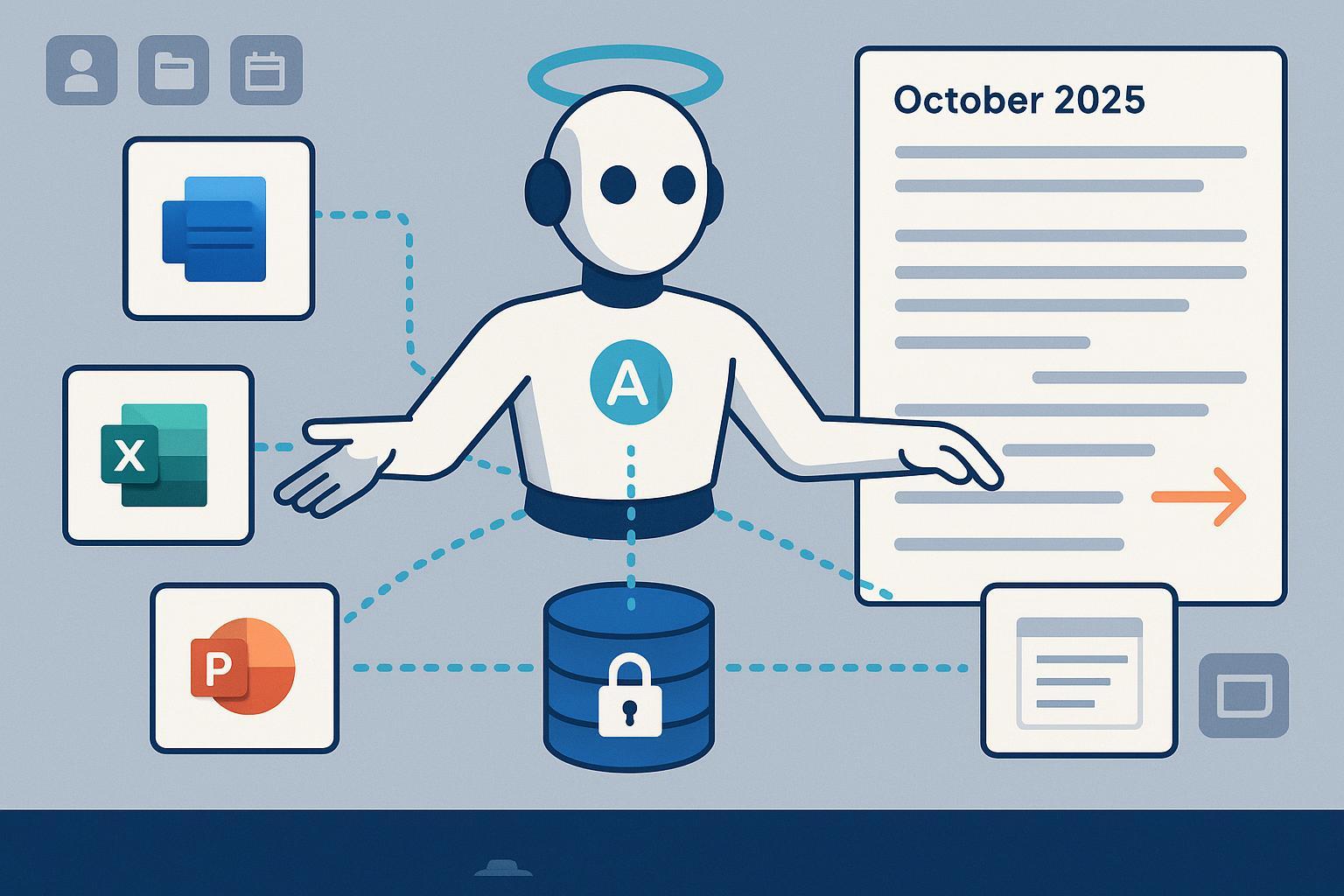
October 2025 is a turning point for content teams standardizing on AI. Microsoft is moving from “assistive prompts” to governed, integrated automation across the Microsoft 365 stack, while Novel Crafter is doubling down on stability for long-form creators. For marketing, editorial, and knowledge management leads, the real story isn’t just new features—it’s the chance to rebuild day-to-day workflows around grounded data, fewer context switches, and safer collaboration.
What actually changed in October 2025 (and why it matters)
Microsoft’s late-September through October updates shift Copilot from a helpful add-on to an operational layer:
- Extensibility and agent management are expanding, with clearer admin visibility and controls across Microsoft 365. Microsoft’s official documentation outlines these updates and their rollout cadence in the Microsoft 365 Copilot release notes (updated Oct 1, 2025).
- Copilot Chat continues to deepen across Word, Excel, PowerPoint, Outlook, and OneNote, with iterative quality and integration improvements captured in Microsoft’s monthly highlights on What’s New in Copilot Chat (October 2025).
- Windows and Microsoft 365 companion apps are beginning a broad rollout that reduces the “file hunt” overhead. Reporting on Oct 1, 2025 indicates Microsoft will auto-install lightweight People, Files, and Calendar companion apps starting late October and completing by December; admins can inform users and adjust controls where needed, per BleepingComputer’s companion apps rollout report (Oct 1, 2025).
Why this matters for content operations:
- Grounded assistants and companion apps cut context switching across docs, mail, meetings, and assets. That speeds briefs, first drafts, and cross-functional reviews.
- Extensibility and agent-like flows offer governed automation for repeatable content tasks—think weekly newsletter assembly or campaign recap decks—without duct-taping tools.
- Admin visibility and policy controls let teams scale AI usage without losing track of data access, prompt grounding, or usage patterns.
Novel Crafter’s status: reliability first for long‑form teams
Novel Crafter didn’t ship new features in October—but its September 15, 2025 community update signals meaningful groundwork for authors and narrative teams. The team calls out recent additions like full-page snippets for continuous writing, model support updates (GPT‑5, Claude 4.1, Qwen 3, Mistral Medium 3.1), and—crucially—in‑progress reliability work including undo/redo, multi-tab support, and a collaboration framework. See the Novel Crafter Community Update (September 2025) for the official summary.
What that means in practice:
- Reliability and version safety are the make-or-break factors in long-form projects. Undo/redo and multi‑tab support reduce the risk and friction of deep drafting sessions.
- A collaboration framework, once available, would make it easier for creative leads to coordinate beta readers, editors, or co-authors without hopping between tools.
- With model flexibility and continuous writing aids, long-form drafting can stay inside a stable environment while orchestration and distribution live elsewhere.
A practical hybrid stack for Q4 2025: Copilot + a long‑form writer + a publishing CMS
Below is a repeatable, low-risk way to combine Copilot’s orchestration with a reliable long‑form drafting tool and an AI‑first CMS for SEO and publishing.
- Planning, briefs, and research synthesis (Copilot, grounded)
- Use Copilot Chat in Word or OneNote to generate briefs and outlines from existing organizational content. Keep prompts grounded in Microsoft Graph data and respect permissions; Microsoft explains grounding boundaries in the Data, privacy, and security for Microsoft 365 Copilot guidance (2025).
- If your organization permits it, selectively enable public web access for discovery tasks and disable it for sensitive drafting; admins can toggle this per the manage public web access for Copilot documentation.
- Structured long‑form drafting (Novel Crafter)
- Move from the Copilot-generated outline into your long-form environment. Maintain scenes/sections, characters (for narrative content), and research notes; rely on reliability features (once available) like undo/redo and multi-tab to protect deep work.
- Set review checkpoints for tone, continuity, and factual consistency before handoff.
- Edit cycles, stakeholder reviews, and agentic assists (Copilot)
- Use agent-like flows for standardized tasks: turning a draft into an executive summary for leadership, or generating an email digest for stakeholders. If your org is exploring “agent modes,” this is where they shine for content operations; for a deeper dive, see our explainer on Microsoft 365 Copilot Agent Mode for marketing workflows.
- Pin Copilot Chat for relevant teams so it’s consistently available where the work happens. Admins can pin at a group or user level using cloud policy, as described in Microsoft’s doc on pinning Copilot Chat across Microsoft 365 apps.
- SEO checks, formatting, media, and publishing (AI CMS)
- Transfer the approved manuscript into an AI‑enabled blogging CMS for on-page optimization, media embedding, and governance checks. For example, you can run automated SEO checks, generate schema, and one‑click publish to WordPress using QuickCreator. Disclosure: QuickCreator is our product.
- If you’re building a repeatable pipeline from outline to publish, consider a team-wide workflow blueprint with human-in-the-loop QA gates and WordPress handoff; we document one approach in Best practices for content workflows with humans + AI (2025).
Governance and admin checklist to keep you safe and scalable
AI speed is only useful if it’s governable. Before you scale pilots, validate these controls with your M365 admin and content leads:
-
Prompt grounding and data scope
- Confirm how prompts are grounded in organizational data, permission boundaries, and retention. Microsoft details this in the 2025 guidance on how Copilot uses proprietary organizational data. For public web search, review the admin toggles in manage public web access.
-
Visibility and access
- Ensure Copilot Chat is pinned in the apps where content work happens for pilot groups; see pin Copilot Chat via cloud policy for scope targeting. Define who can create or share agent-like automations and how they are reviewed.
-
Usage and adoption analytics
- Establish a baseline and track changes via Microsoft’s Copilot adoption reporting (for example, the Copilot Dashboard in Viva Insights). Use these numbers to inform training and to prune low-value automations.
-
Human QA and SEO governance
- Maintain required review passes for accuracy, legal/compliance, and editorial style. Enforce a final SEO/technical review before publishing; a compact checklist like our CMS SEO best practices for 2024/25 helps teams keep quality bars consistent.
Role-based advice: how to pilot in October–November 2025
-
Marketing and content leads
- Start with one repeatable asset (e.g., weekly newsletter, product update blog). Measure time-to-first-draft, review cycles, and publish latency before vs. after Copilot assists and companion apps.
- Define acceptable sources for grounding. For competitive research, enable public web search narrowly and document when it’s allowed.
-
Editorial and communications leads
- Establish style guides as prompts and templates in Word/OneNote. Map which edits can be automated (summaries, list formats) vs. which require human craft (voice, argument, narrative arc).
- Use pinned Copilot Chat to keep “editor requests” at hand: headline options, simplify a paragraph, extract key quotes.
-
Creative leads and authors
- Keep deep drafting inside your long-form tool. Use Copilot sparingly for summaries or scene synopses pulled from prior chapters and notes.
- Pilot versioning rituals (checkpoint saves before agentic transforms) until undo/redo and multi-tab improvements arrive broadly.
What we’re hearing from early adopters
In the legal sector, a prominent UK firm reports near-daily use and strong emphasis on change management and training as Copilot rolls out firm‑wide. Their reflections—center of excellence, champions, measured ROI—are summarized in LegalTechnology.com’s Oct 7, 2025 piece, Wedlake Bell’s Copilot adoption strategy and experiences. Your mileage will vary by industry, but the throughline is clear: governance and human adoption work drive the outcomes as much as the tech does.
FAQs
-
Are these Copilot features available to everyone today?
- No. Microsoft’s updates are rolling out across October and beyond, and availability varies by tenant and region. Check your tenant’s message center and the latest Microsoft 365 Copilot release notes for timing.
-
How do I keep Copilot answers grounded and safe?
- Keep prompts grounded in internal content you have access to, and review admin toggles for public web access. Microsoft explains grounding and permissions in its 2025 privacy documentation linked above.
-
What’s the status of Novel Crafter collaboration features?
- As of October 2025, collaboration is in development; the official September 2025 update is the best source of truth. Avoid assuming timelines until the team posts new release notes.
The bottom line for Q4 2025
Use Copilot to orchestrate cross‑suite work and accelerate drafts where grounding and governance are clear. Keep long‑form drafting in a reliability‑focused environment until collaboration lands. Then finish in an AI‑forward CMS with SEO and publishing pipelines to remove last‑mile friction. If you want a production‑ready way to operationalize this stack at SMB/mid‑market scale, QuickCreator can serve as the final optimization and publishing layer—without changing how your writers write.
Last updated: 2025-10-07
Change log
- 2025-10-07: Initial publication with October 2025 Copilot rollout context and Novel Crafter September 2025 status; added links to Microsoft release notes, BleepingComputer rollout report, and Novel Crafter update.
