AI Blog Writing Workflow for Beginners

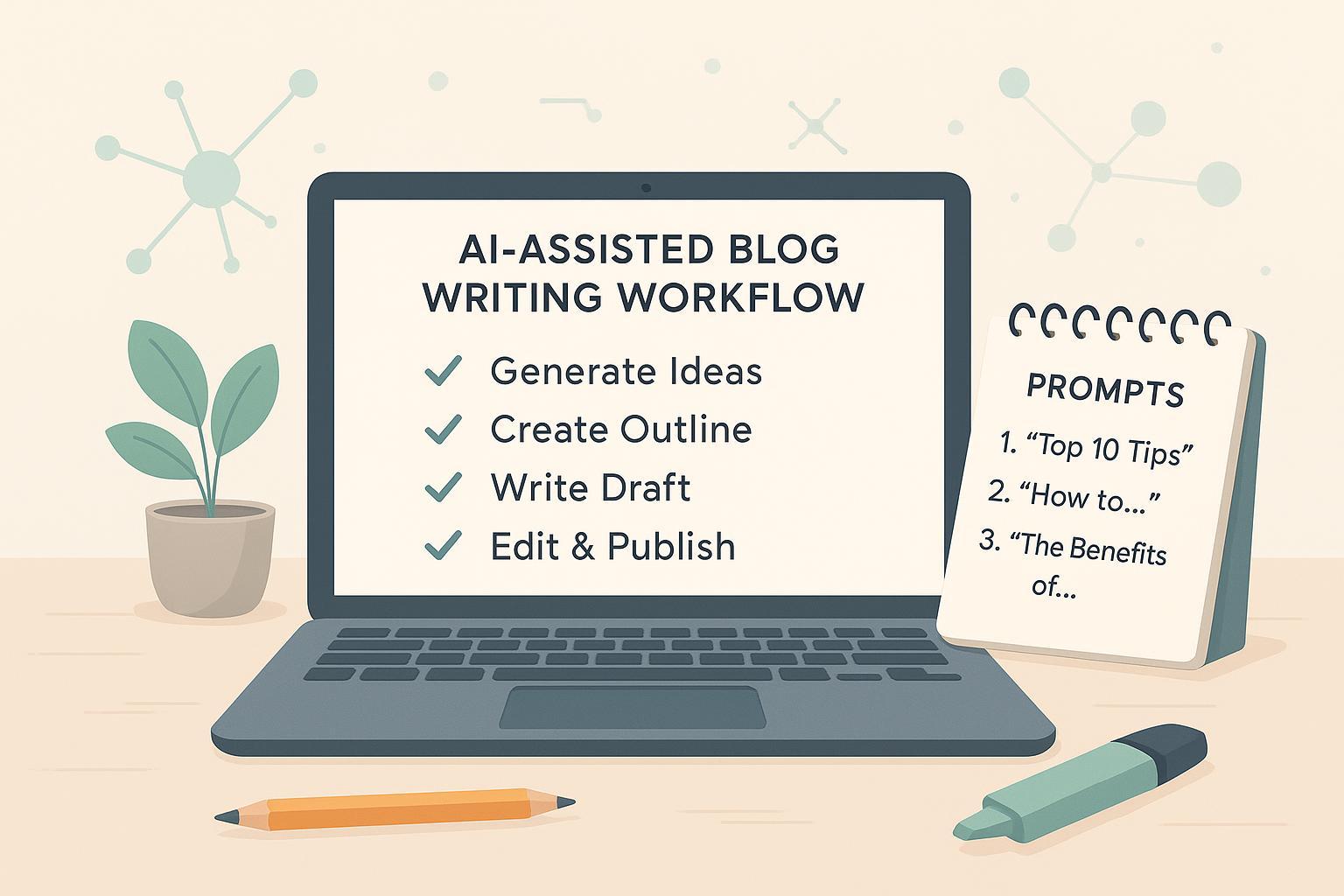
If you’re brand-new to using AI for blogging, here’s the deal: AI can speed up the boring parts, while you add the experience, judgment, and voice readers come for. This guide walks you through a safe, simple, repeatable workflow—from a blank page to a published, credible post—without getting lost in tools or jargon.
According to Google’s latest guidance, quality is what matters, not the method. Their 2025 Search Central post urges creators to provide “unique, non-commodity content” and clear signals of experience and expertise, not scaled summaries that add little value. See Google’s advice in the 2025 article, Top ways to ensure your content performs well in AI Overviews and beyond: Google Search Central (May 2025). Google’s March 2024 updates also targeted “scaled content abuse” and other spammy tactics—so keep it people-first and original: Google Product Blog (Mar 2024).
Your 9-step workflow (from idea to update)
1) Set a tiny brief (10 minutes)
Decide the audience, problem, outcome, and 3–5 points you can cover from real experience. A short brief keeps prompts focused and prevents generic output.
Prompt example
You are a helpful writing partner. Create 5 blog post angles based on this brief:
Audience: freelance designers new to blogging
Problem: want traffic but fear writing
Outcome: a first blog post they can finish in one afternoon
Points I can speak to: my 3-project case study, a 2-hour writing routine, lessons from 1 failed post
Constraints: beginner tone, ~1200 words, include one anecdote
Return: angles with working titles and 1-sentence summaries
Tip: Save your brief. You’ll reuse it to keep the outline and draft aligned.
2) Generate angles and titles (staged prompts)
Ask for 5–10 angles, then choose one that promises specific value and reflects your experience. Want to refine the title? Ask the model to produce 10 variations with different structures (how-to, list, question) and pick the clearest.
Staging keeps clarity high. One task per prompt is easier to judge and improves results.
3) Build a lean outline
Turn your chosen angle into a compact outline with 5–7 sections max. Include a note under each section describing the example or story you’ll add. Avoid overstuffing; short sections are easier to draft and edit.
Prompt example
Using this title: “A One-Afternoon Blog Workflow for First-Time Freelancers,” draft a lean outline with 6 sections.
For each section:
- Add a 1–2 sentence purpose
- Suggest 1 concrete example from my brief
- List 3 sub-points to cover (no more)
Style: beginner-friendly, skimmable, no fluff
4) Draft in passes (don’t one-shot it)
Draft sections one at a time. Ask the model for a first pass of Section 1 only, then you review, add your anecdote, and request a refinement. Repeat for each section. This keeps you in control and prevents “commodity” text.
Refinement prompt
Here is Section 2 (first pass). Revise to include my real example [insert 2 sentences], remove filler, and keep sentences under 20–24 words on average. Keep the tone friendly and confident. Return just this section.
5) Add your experience and sources (E-E-A-T)
Readers trust posts that show real-world experience and cite reputable sources. Add a mini case, a quick lesson learned, or a screenshot-worthy moment in each main section. For external facts (stats, definitions, policy notes), cite primary or highly reputable sources.
For how to show experience and credibility in AI-assisted posts, Moz outlines practical steps—author bios, concrete examples, SME review, and freshness—in How to Write AI Content Optimized for E-E-A-T: Moz (Apr 2024).
6) Run a 10-minute fact-check
Before editing, spend a focused 10 minutes verifying names, dates, definitions, and any stats you included. Link to original or canonical sources, not reposts. For media, you can use a reverse image check when accuracy matters.
- Journalism ethics emphasize verifying before publishing; a concise reference is the SPJ Code of Ethics overview: SPJ/EthicsCentral.
- For quick image/video verification techniques, Poynter’s MediaWise primers are handy: Poynter MediaWise.
- To build reader trust, include a byline and be transparent about updates or corrections; see the Trust Indicators: The Trust Project.
Pro tip: When a claim is central to your argument, look for a primary document or official page to link, and mention the year in your sentence so readers see the context.
7) Edit for clarity and style
Read your draft out loud. Cut repetition. Replace vague words with specific ones. Keep paragraphs short, and vary sentence length to create flow. Make sure your headings form a logical outline on their own.
Accessibility basics (worth doing every time):
- Use semantic headings in order (H1 → H2 → H3) and descriptive link text.
- Add alt text to meaningful images; keep decorative images empty.
- Maintain adequate color contrast for text. These tips align with WCAG 2.2: W3C Web Content Accessibility Guidelines.
8) SEO and publishing hygiene
Focus on clarity and intent satisfaction—not keyword stuffing. Google’s SEO Starter Guide (refreshed 2024) covers fundamentals like descriptive titles, helpful headings, crawlable links, image best practices, and meta descriptions: Google Search Central — SEO Starter Guide. For how descriptions may appear in search, see Google’s snippet guidance: Google Search Central — Snippets.
If AI contributed meaningfully to your text or images, consider a short, specific disclosure so readers understand your process. Ethical guidance suggests being clear about what AI helped with and that a human reviewed the final post. See The Ethical Use of AI for recommendations on transparency thresholds: PRSA (Oct 2025, PDF). For practical, reader-first disclosure patterns, see Demystifying Generative AI Disclosures: EPIC (Nov 2024).
Two disclosure templates you can adapt
Text assistance: “Portions of this article were drafted with an AI writing tool and then fact-checked and edited by [Your Name].”
Image assistance: “The cover image was created with AI and is illustrative.”
9) Monitor and update
After publishing, watch performance in Google Search Console’s Performance report—impressions, clicks, and queries help you see what’s working and where to expand: Google — Search Console start guide. Refresh posts when information changes, when readers’ questions evolve, or when you can add new firsthand insight.
Quality signals matter over tactics. Google’s 2025 guidance for sites appearing in AI Overviews stresses distinctive value and evidence of experience, while the March 2024 updates reduced exposure for low-value, scaled content. Stay focused on people-first improvements.
Mini glossary (beginner-safe)
| Term | Plain-English meaning |
|---|---|
| Focus keyword | The main topic or phrase readers might use; it guides your angle but shouldn’t dictate every sentence. |
| Meta description | A short summary (about 1–2 sentences) that may appear in search; write it for humans. |
| Disclosure | A short notice explaining how AI helped, when it meaningfully shaped text or images. |
| E-E-A-T | Experience, Expertise, Authoritativeness, and Trustworthiness—signals that show why readers should rely on you. |
Frequently used prompt patterns (copy, tweak, paste)
Angle generator
Given this brief [paste], suggest 8 angles that are unique to my experience. For each, include a working title and 1-line value promise.
Outline builder
Create a 6-section outline (H2/H3) for [title]. For each section, add: purpose (1 sentence), one personal example to include, and 3 sub-points max.
Section drafter
Draft Section [X] of my outline in 160–220 words. Use an encouraging, beginner-friendly tone. Include this anecdote: [2–3 sentences]. End with 1 actionable tip.
Refiner
Tighten this section by 15%. Replace vague words with specifics, vary sentence length, and ensure scannable subheadings. Keep my voice.
Sourcing helper
List 3 authoritative, primary sources to support these claims: [list]. Provide the source titles and why each is relevant. No summaries.
Printable checklist (use before you hit publish)
- Brief: Audience, problem, outcome, 3–5 points from your real experience—written down.
- Outline: 5–7 sections, each with a personal example note.
- Drafting: Wrote in passes; refined each section with your own anecdotes.
- Sources: Added 2–4 reputable citations where facts matter; linked to primary or official pages.
- Fact-check (10 minutes): Verified names, dates, stats; fixed or removed anything uncertain.
- Edit pass: Read aloud; cut repetition; headings make a clear map; links are descriptive.
- Accessibility: Semantic headings, alt text for meaningful images, adequate contrast.
- SEO basics: Descriptive title and headings; helpful meta description; crawlable links; sensible image filenames/alt.
- Disclosure: If AI meaningfully helped, added a short, specific note (what it did; human reviewed).
- Post-publish: Opened Search Console to monitor queries and pages; set a reminder to revisit in a few weeks.
Still nervous about your first AI-assisted post? Think of this workflow as training wheels: you can tighten or loosen them as your confidence grows. Your experience is the differentiator—AI just helps you get it on the page faster, with fewer detours.
